Built for Every Creative Vision
From Hollywood productions to indie creators, our AI video tools adapt to your industry's unique needs.
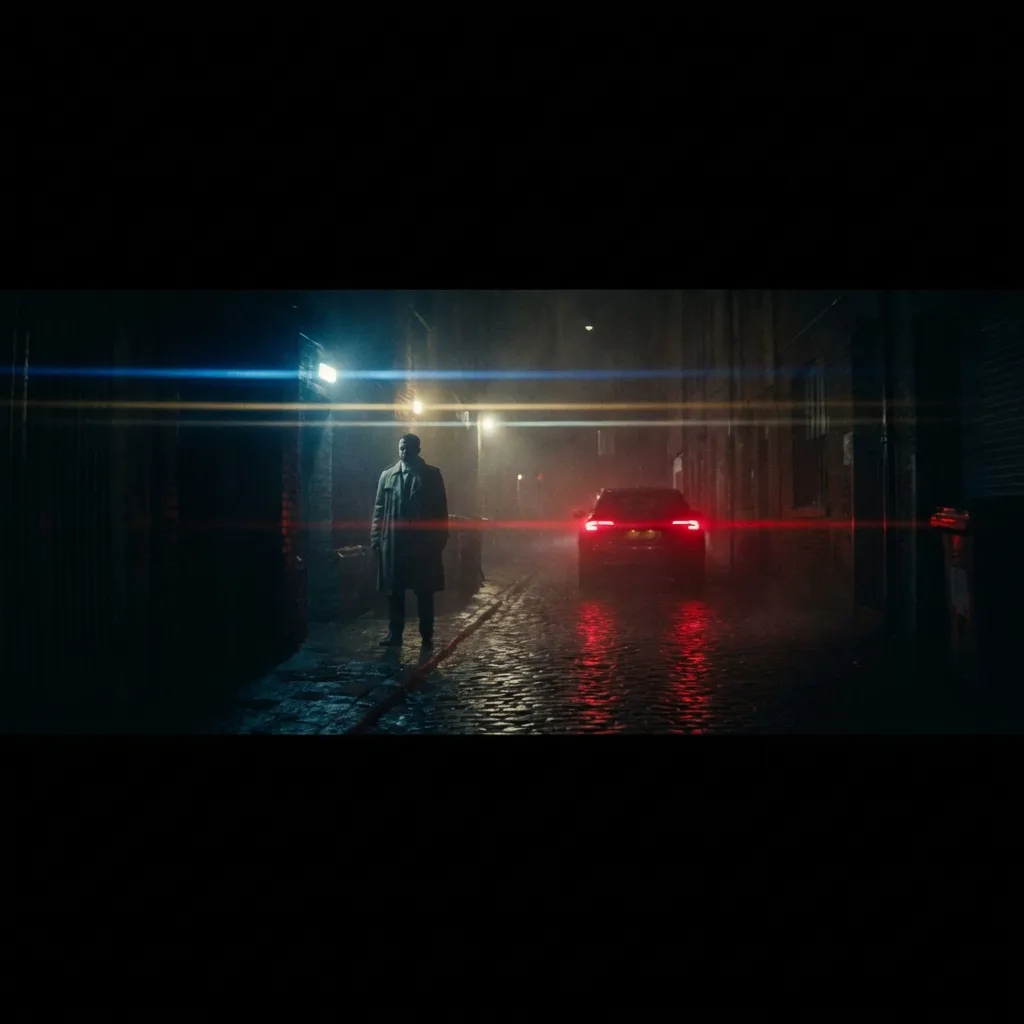
Film
Cinematic storytelling with AI-generated scenes, transitions, and visual effects for professional filmmakers.
Every way to create video
From text prompts to image animation-multiple paths to stunning video content.
Text to Video
Generate video clips from text descriptions alone. Describe scenes, actions, and styles-AI creates the footage.
- Scene description
- Style control
- Duration settings
- High resolution output
Image to Video
Animate any image with AI. Turn photos into cinematic videos with natural motion and camera movements.
- Photo animation
- Camera movements
- Motion control
- Style preservation
Video Extension
Extend existing videos seamlessly. AI generates matching content to lengthen any clip while maintaining style.
- Seamless extension
- Style matching
- Direction control
- Multi-pass generation
First-Last Frames
Define start and end frames, AI fills the middle. Perfect for controlled animations and morphing effects.
- Keyframe control
- Smooth interpolation
- Motion paths
- Creative morphs
Video Editing
AI-powered video editing with Runway and Luma. Modify existing videos with text prompts and smart tools.
- Prompt-based editing
- Object removal
- Style transfer
- Scene modification
AI Reframe
Intelligently convert aspect ratios while keeping subjects in frame. Auto-crop for any platform.
- Smart cropping
- Subject tracking
- Platform presets
- Batch processing
Hollywood-Grade Timeline Editor
Upload your video, select tracks, and experience professional editing tools
Drop video here or click to upload
Multi-Track
Unlimited video, audio, and text tracks
Precision Cuts
Frame-accurate trimming and splitting
Split & Join
Seamless scene transitions
Copy & Paste
Duplicate clips across tracks
Pro Keyboard Shortcuts
100+ Professional Transitions
From subtle dissolves to eye-catching effects-seamless transitions that elevate your storytelling
Basic
Cinematic
Creative
Social Media
AI Transition Matching
Let AI analyze your scenes and automatically apply the perfect transitions that match your content, pacing, and mood
AI Scene Match
Auto-selects best transition for content
Smart Timing
Optimizes duration for pacing
One-Click Apply
Apply to all cuts instantly
500+ Visual Effects & LUTs
Transform your footage with professional color grading, filters, and stylization effects
Color Grading
Filters
Stylize
Distort
Popular LUT Presets
Professional color grading with one click
Hollywood
CinematicMoody Teal
ColorVintage 70s
RetroClean Corporate
ProfessionalHigh Contrast
DramaticSoft Pastel
LifestyleAI-Powered Audio Sync
Perfect audio-video synchronization with beat detection, automatic music matching, and royalty-free library
Beat Detection
AI detects beats and creates markers for perfect cuts
Snap to Beat
Clips automatically align to musical beats
Auto-Sync
Match video pacing to music tempo automatically
Smart Ducking
Music volume lowers during dialogue automatically
Royalty-Free Music
Sound Effects
Drop your audio files or browse
Export for Any Platform
Optimized presets for every platform plus custom codec settings for professional workflows
YouTube
TikTok
Cinema
Custom Export Settings
Video Codec
Best compatibility
Better compression
Professional editing
Web optimized
Resolution
Frame Rate
Estimated Output
Power-ups & Utilities
Free tools to supercharge your video workflow. No signup required.
Video Compressor
Compress videos while preserving quality
Video Trimmer
Cut and trim videos in your browser
GIF Maker
Convert video clips to animated GIFs
Thumbnail Generator
Extract or generate video thumbnails
Quick Converters
One-click file conversion
Need more advanced features? Try our full AI-powered suite.
Explore Full PlatformQuby vs AI Competitors
See how we compare to other AI tools in the market.
| Feature | Quby | Runway | Pika | Kling AI | CapCut |
|---|---|---|---|---|---|
| AI video generation | Yes | Yes | Yes | Yes | Partial |
| Full editing timeline | Yes | Partial | No | No | Yes |
| Multi-track layering | Yes | Partial | No | No | Yes |
| No subscription required | Yes | No | No | No | Yes |
| 50+ export formats | Yes | No | No | No | Partial |
| AI auto-captioning | Yes | No | No | No | Yes |
| Background removal (any) | Yes | Yes | No | No | Partial |
| Browser-based (no install) | Yes | Yes | Yes | Yes | Partial |
| Free utilities suite | Yes | No | No | No | Partial |