How Small Creator Teams Can Build a Weekly Product Demo System
Turn one product feature into a focused week of useful video content. This practical system helps small creator teams plan, record, edit, and reuse demos without building a full content department.
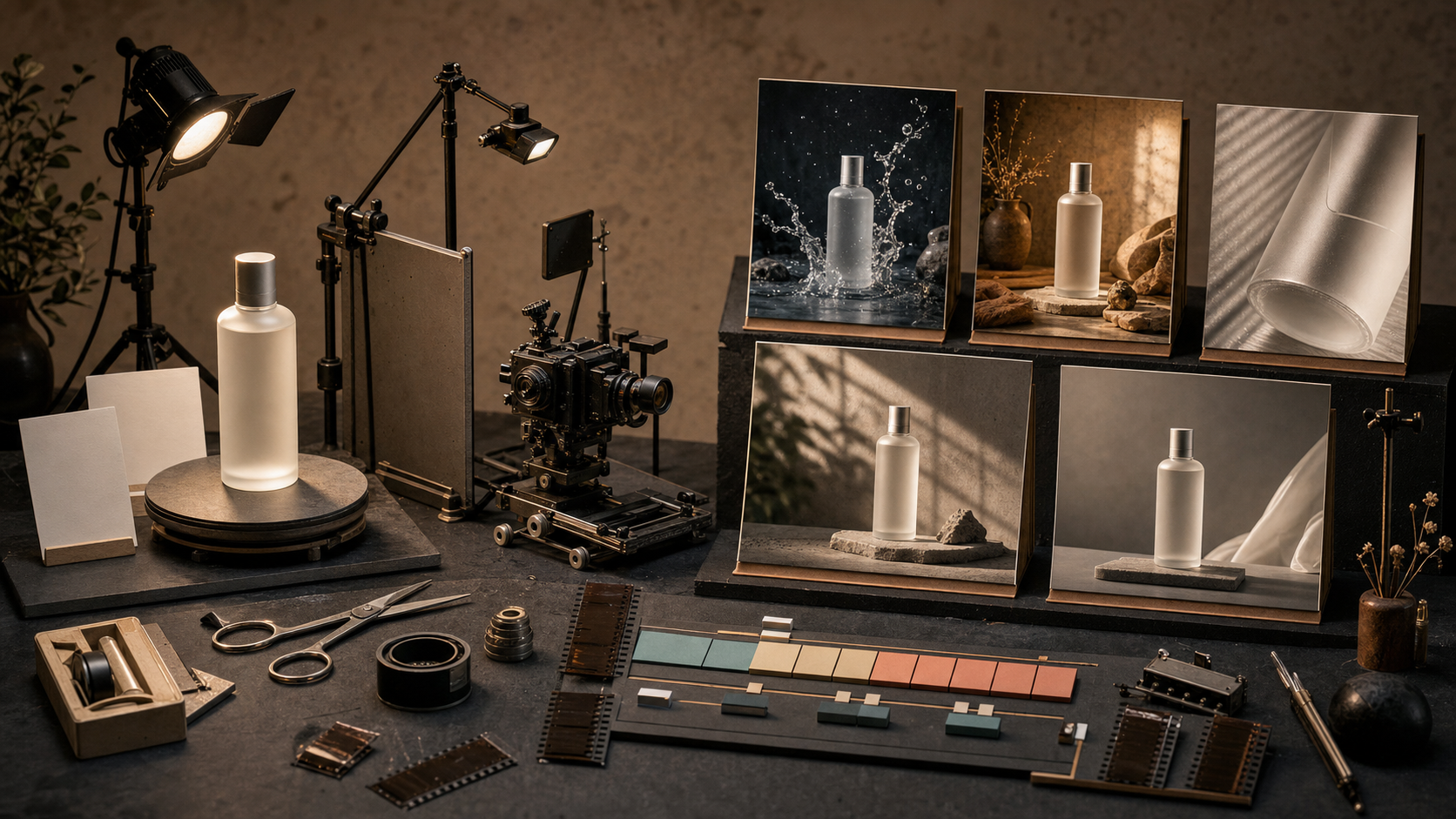
OpenAI's new small business program is a timely signal: compact teams are looking for useful ways to turn AI into repeatable work, not another collection of disconnected experiments. For creators and small product teams, one of the best places to apply that idea is the product demo. A good demo can explain a feature, answer a sales objection, supply clips for social posts, and give support teams a reusable reference. The problem is usually not a lack of ideas. It is the habit of treating every video as a fresh production. The better approach is to build one small system that turns a single feature into a week of focused content. Here is a practical version you can run with one creator, a product owner, and about two hours of concentrated work.
Start with one useful action
Do not begin with a broad theme such as "AI video editing" or "everything new this month." Pick one action a viewer wants to complete. A narrow promise makes the recording easier and gives the final video a clear finish line. Good demo subjects look like this:
- Remove the background from a talking-head clip
- Turn two product images into a five-second motion concept
- Reframe a horizontal interview for a vertical feed
- Create three opening shots for a product launch
- Replace a weak first frame without rebuilding the whole edit Use three filters when choosing the action:
- Visible change: Can someone understand the result with the sound off?
- Real friction: Does the action remove a task your audience already dislikes?
- Short path: Can you reach the result in three to seven meaningful steps? If an idea fails two of those tests, save it for a longer tutorial.
Write a demo brief before you record
A demo brief should fit on one screen. It prevents the common problem where the recording becomes a tour of every available control. Use this template:
Viewer: Solo ecommerce creator preparing a product launch
Starting point: One clean product photo and one lifestyle photo
Desired result: A short vertical product teaser with a clear opening shot
Key proof: Both source images influence the generated motion
Limit: Show no more than five workflow steps
CTA: Invite the viewer to try the same workflow with their own assets
The key proof line matters most. It tells you what must be visible for the demo to feel credible. If you are showing a reference-based video workflow, display the inputs before the result. If you are demonstrating reframing, include a quick before-and-after comparison. Do not ask viewers to trust a claim they can inspect for themselves.
Build a simple shot list
You do not need a formal storyboard. Use six blocks:
- Problem in context
- Starting assets
- Critical setup choice
- Generation or edit in progress
- Result
- One decision the viewer can copy For a reference-image product demo, the shot list might be:
Shot 1: Static product photo beside an empty vertical canvas
Shot 2: Two source images added as references
Shot 3: Prompt and duration choice
Shot 4: Short progress moment, trimmed to under two seconds
Shot 5: Finished motion clip at full size
Shot 6: Split view showing which details came from each source
This structure gives the video a visual argument. The viewer sees the starting point, the choice you made, and the evidence that the workflow worked.
Use prompts that describe motion, not marketing
Product-demo prompts often fail because they are full of mood words but vague about what should move. Describe the subject, camera, motion, timing, and constraints in that order. Weak prompt:
Make an amazing premium ad for this modern product with cinematic energy.
More useful prompt:
Keep the bottle shape and label placement consistent with the reference image. Begin with a close view at table height. Move the camera slowly from left to right while soft window light travels across the glass. The bottle stays still. End on a clean front-facing frame. No hands, no extra objects, no fast zoom.
For a person using a product:
Use the uploaded product image for shape and color. Show one person lifting the bottle from a kitchen counter, taking a small sip, and returning it to the same spot. Natural morning movement, locked medium camera, realistic hand contact, five seconds. Do not alter the packaging or add text.
The second version gives the model decisions it can act on. It also gives you clear criteria for reviewing the result.
Record the shortest honest path
Before recording, complete the workflow once without narration. Note any slow upload, confusing setting, or result that needs a second attempt. Then record only the path that a new user can reasonably follow. Keep setup visible, but cut waiting time. A one-second progress beat is enough to communicate that generation occurred. If the result took multiple attempts, say so in the caption or voiceover. Honest demos build more trust than a perfect result presented as effortless. In Quby, you can arrange the source clips, trim the waiting moments, and produce the vertical version in the same Video Studio timeline. Keep the cursor movement deliberate. Viewers should be watching the decision, not chasing a pointer around the screen.
Turn one recording into five assets
The efficient part starts after the main demo is finished. Cut the same source recording into a small content set:
- 45 to 75 second tutorial: the complete problem-to-result path
- 15 second proof clip: starting assets, one key choice, final result
- Before-and-after loop: useful for silent feeds and landing pages
- Three-frame carousel: problem, process, result
- Support snippet: the critical setup step with a direct caption Do not post identical edits everywhere. Match the opening to the viewer's context. A search-driven tutorial can begin with the task. A social clip needs the visible result in the first second. A support snippet should skip the hook and show the exact control immediately.
Review with concrete criteria
Use a five-point check before publishing:
- Can a viewer name the outcome after the first three seconds?
- Are the source assets and final result visibly connected?
- Is every setting shown necessary for repeating the workflow?
- Does the video contain at least one useful decision, not only button clicks?
- Is the CTA proportional to the value of the demo? That last point keeps the ending natural. After teaching the workflow, a soft line is enough: "If you want to test this with your own product shots, you can build the sequence in Quby's Video Studio."
Measure what helps the next demo
Avoid judging the system only by total views. Track signals that improve the next production:
- Three-second hold rate for the opening
- Average watch time relative to video length
- Saves or bookmarks, which often indicate practical value
- Questions that reveal a missing setup step
- Clicks from the specific demo to the relevant tool After four weekly demos, compare the subjects rather than just the platforms. You may find that before-and-after edits hold attention while feature tours do not, or that reference-image workflows produce more qualified clicks than broad inspiration videos.
Keep the weekly rhythm small
A sustainable cadence can be simple:
Monday: Choose one action and write the brief
Tuesday: Test the workflow and save the inputs
Wednesday: Record the clean path
Thursday: Edit the main demo and cut two short versions
Friday: Publish, collect questions, and log one lesson
The system works because each week creates more than a post. It creates a tested explanation, reusable footage, audience language, and evidence about what people want to do next. Quby or any other editor is most valuable here when it shortens the path from raw demonstration to several purposeful formats. Small teams do not need to imitate a large media operation. They need a clear promise, visible proof, and a repeatable way to package what they already know. One useful action per week is enough to start.
Ready to Create with AI?
Put these techniques into practice with Quby's professional AI creative tools.
Launch Creative Suite