How to Write an AI Creator Brief for Better Video Results
A reusable creator brief turns a loose idea into clear shots, constraints, and review criteria. Use this practical method to get stronger video and image generations with fewer wasted attempts.
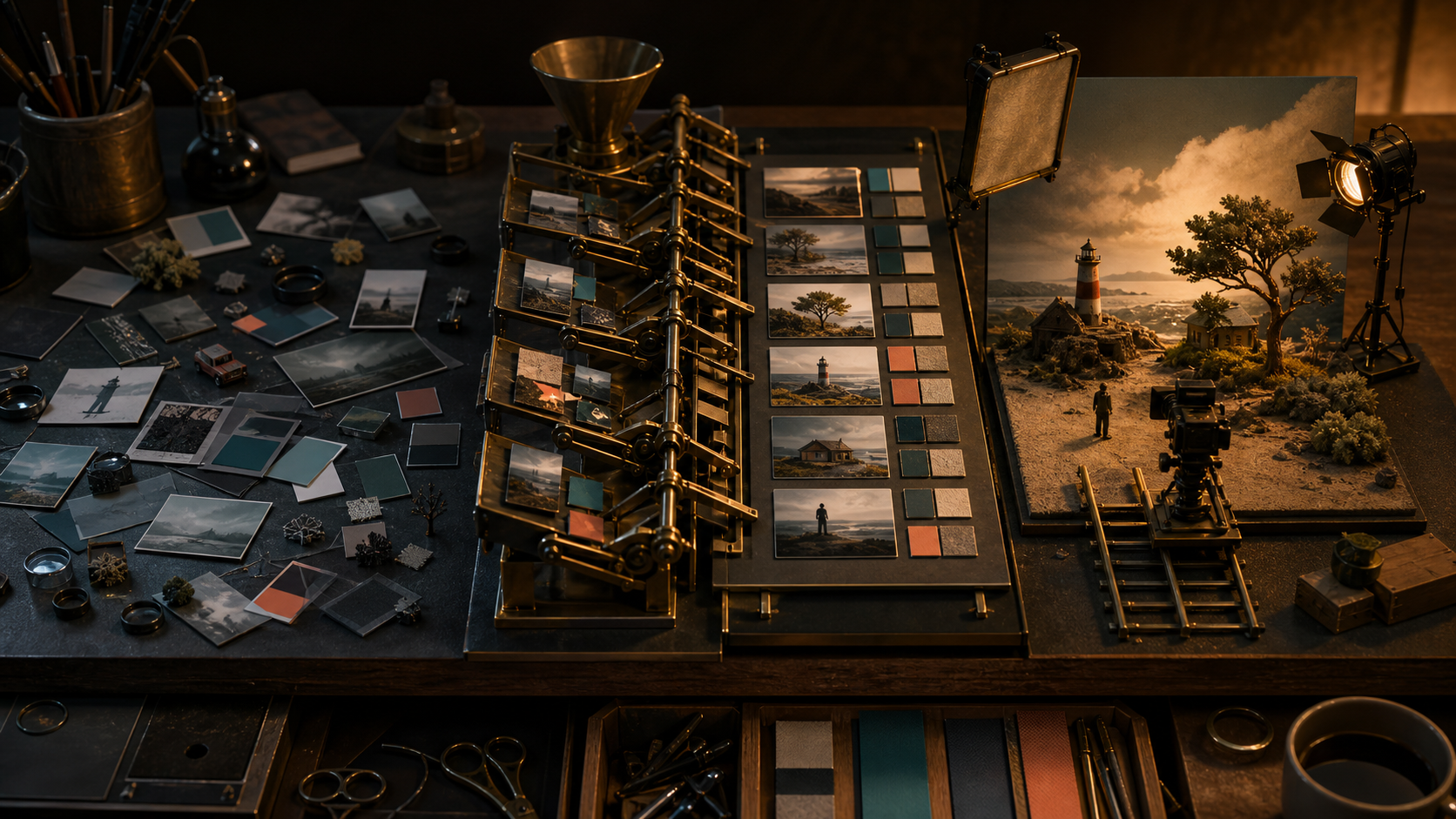
A strong AI video rarely starts with a magical one-line prompt. It starts with a useful brief. The brief explains what the finished piece must accomplish, what viewers should notice, and which details cannot drift between shots. That is the difference between directing a sequence and repeatedly rolling the dice. The current wave of beginner guidance around ChatGPT is a good reminder that the quality of an answer depends heavily on the context you provide. For creators, the practical lesson is not to make prompts longer. It is to separate decisions that belong in a reusable brief from instructions that belong in one shot. This guide gives you a compact system for doing that. You can use it with a chat assistant to develop an idea, then carry the result into Quby or another video generation workspace.
Start with the job, not the visual
Before describing camera movement or lighting, write one sentence about the job of the asset. A product demo, a social hook, and a mood film may feature the same object, but they need different shots. Use this formula:
Create a [format] for [audience] that makes [single message] clear and leads viewers to [reaction or action]. For example: Create a 15-second vertical product demo for freelance designers that makes the one-click background cleanup feel fast and controllable, then leads viewers to try the tool. This sentence gives every later choice a test. If an elaborate opening delays the demonstration, it is wrong for the job even if it looks impressive.
Build the brief in six blocks
A useful creator brief does not need a dense page of prose. Six short blocks are enough.
1. Outcome
State the desired result and the platform. Include duration, aspect ratio, and where the piece will appear.
Example: A 15-second, 9:16 launch clip for an Instagram Reel. The viewer should understand the before and after within the first four seconds.
2. Audience
Name a specific viewer and what they already know. Creators is too broad. Solo ecommerce owners who shoot product photos on a phone gives you a clear level of explanation and a believable setting.
3. Subject invariants
List details that must stay fixed. For a person, this might include wardrobe, hairstyle, age range, and accessories. For a product, include shape, material, label placement, and color. Keep this list short enough to repeat in every relevant shot.
4. Visual direction
Choose a small set of connected traits: medium, environment, palette, light, and texture. Avoid piles of style words that pull in different directions. Soft daylight, pale stone surfaces, restrained green accents, realistic phone-camera texture is more actionable than cinematic, viral, luxury, futuristic, authentic.
5. Shot plan
Break the idea into shots with one purpose each. A good shot plan says what changes on screen, not just what the frame contains.
6. Rejection rules
Define what would make a result unusable. Examples include unreadable product geometry, extra fingers, a changed package color, text rendered inside the scene, or a reveal that happens too late. These rules help both generation and review.
Ask ChatGPT to challenge the brief
A chat assistant is most valuable before generation when it acts like a producer, not a slot machine for adjectives. Give it the six blocks and ask it to find missing decisions. Try this prompt:
Act as a video producer reviewing a creator brief.
Do not rewrite it yet.
Identify up to five decisions that are missing or contradictory.
Prioritize issues that could cause visual drift, a weak opening, or an unclear product demonstration.
For each issue, give two concrete options and explain the tradeoff in one sentence.
Here is the brief:
[PASTE BRIEF]
This creates a decision list instead of a vague rewrite. Answer only the questions that matter. Then ask for a clean final brief that preserves your chosen constraints.
Convert the brief into shot prompts
The brief stays stable. Each shot prompt changes. This separation makes iteration much easier because you can replace one weak shot without reinventing the whole concept. For a three-shot product demo, the plan might be:
- Problem: a seller photographs a ceramic lamp against a cluttered room.
- Action: the background is selected and replaced with a clean warm studio setting.
- Proof: three finished product images appear as a coordinated set while the lamp remains identical. A precise prompt for the first shot could be:
Vertical 9:16 product-demo shot, 4 seconds.
A small ceramic table lamp sits on a desk in a visually distracting apartment.
Slow handheld push toward the lamp.
Natural afternoon window light, realistic phone-camera texture.
The lamp is matte cream ceramic with a rounded base and tan linen shade.
Keep the lamp geometry, materials, and colors exact.
No text, logos, interface elements, or transformation yet.
The action shot should repeat the lamp invariants but change the event and camera behavior:
Vertical 9:16 product-demo shot, 5 seconds.
Match the cream ceramic lamp and tan shade from the reference frame exactly.
Locked camera. The distracting apartment background changes into a warm minimal studio while the lamp remains perfectly still.
Show one clean, continuous transformation with no cuts.
Soft side light and pale stone surface.
Do not alter the lamp silhouette, shade, color, or scale.
No text, logos, hands, or floating controls.
Notice that neither prompt tries to explain the full campaign. It directs one visible event.
Decide what belongs in a reference image
Words are good for intent, motion, and exclusions. Reference images are better for exact shape, identity, composition, and material. Use a reference when you would struggle to approve a substitute from a written description alone.
For product work, a clean three-quarter image usually carries more value than several mood references. For character continuity, use a clear neutral view before adding expressive poses. For composition, a rough sketch can be more useful than a polished image with the wrong layout.
Do not attach references merely because the tool allows them. Every image should have a declared role such as product identity, lighting only, or camera framing only. If two references conflict, decide which one wins before generating.
Review with observable criteria
Replace Does this look good? with checks that two people can judge similarly. Review the output in this order:
- Does the first second communicate the subject and situation?
- Is the required action visible without explanation?
- Did the subject invariants survive?
- Does motion obey the intended camera and physical logic?
- Are there distracting artifacts at edges, hands, reflections, or transitions?
- Does the final frame support the next shot or CTA? Fix the highest-impact failure first. If the product changes shape, color grading is not the current problem. If the opening is unclear, polishing the final frame will not save retention.
Use a controlled iteration loop
Change one class of variable at a time. First correct subject identity and composition. Then correct motion. Finally tune atmosphere and polish. Save the prompt and seed or reference set for every approved shot. A compact iteration note can look like this:
Keep: product shape, locked camera, studio background, duration.
Change only: make the background transition begin at 0.8 seconds and finish by 3.2 seconds.
Reject if: the lamp moves, resizes, or changes color.
This language is useful inside Quby because it keeps the creative goal attached to the actual generation step. It also gives collaborators a clean record of why a variant exists.
A brief is a reusable production asset
The best brief is not the longest one. It is the smallest document that protects the idea from accidental changes. Once it works, turn it into a template for recurring formats such as product reveals, tutorial hooks, character clips, or weekly social posts. If you want to test the method, take one upcoming concept into Quby Video Studio and build only three shots. Write the outcome, invariants, and rejection rules before generating anything. The first pass may take a few extra minutes, but the review loop becomes faster because every result has a clear job. That is the real advantage of a creator brief: fewer ambiguous retries, cleaner decisions, and a sequence that feels directed rather than assembled.
Ready to Create with AI?
Put these techniques into practice with Quby's professional AI creative tools.
Launch Creative Suite