How to Film an AI Agent Product Demo That Proves It Works
A convincing AI agent demo shows a difficult customer moment, the agent's reasoning path, and a measurable result. Use this shot-by-shot workflow to turn a live conversation into proof instead of a polished but empty screen recording.
How to Film an AI Agent Product Demo That Proves It Works
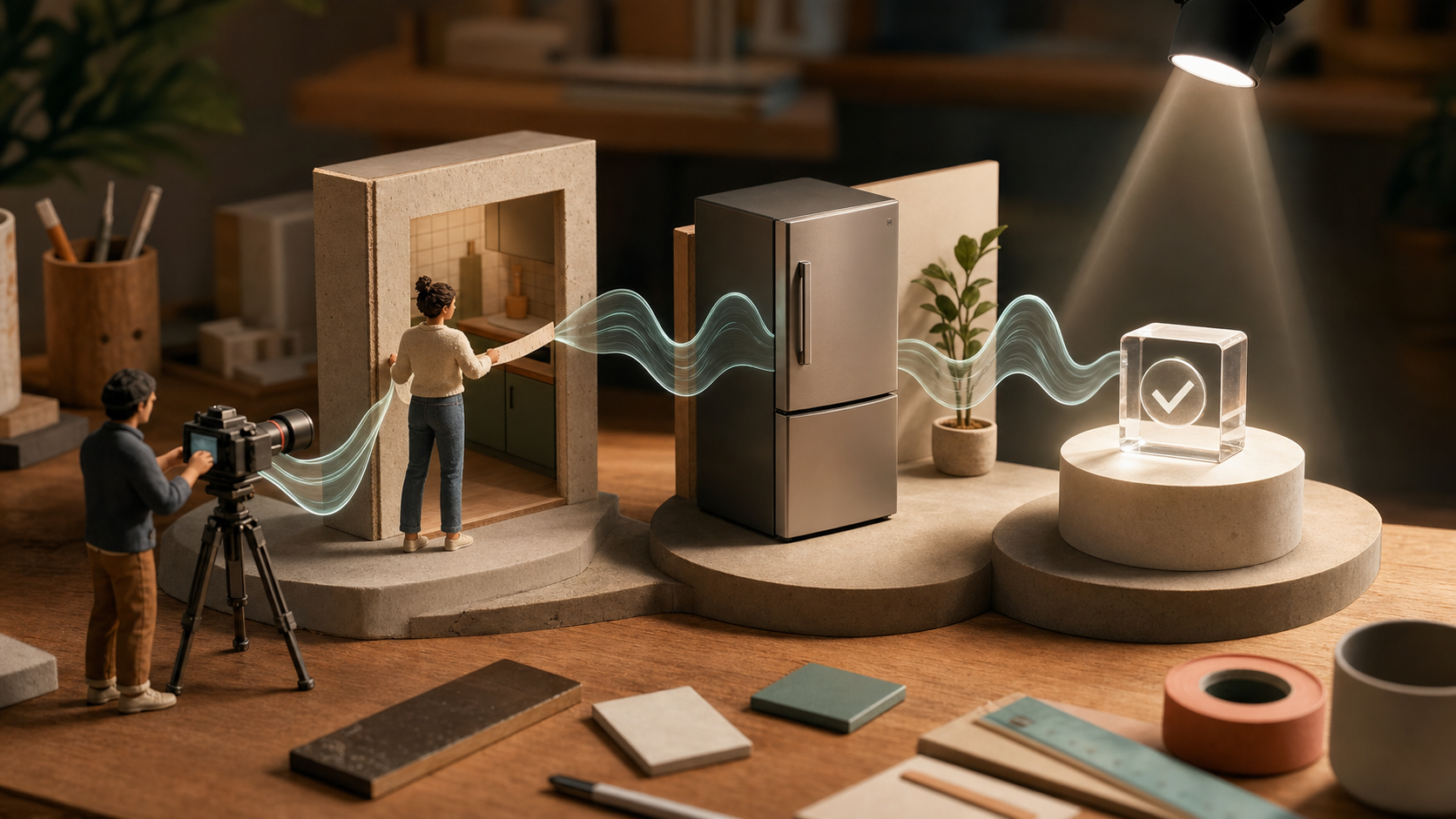
A good AI agent demo is not a tour of buttons. It is a compact piece of evidence. The viewer should see a real person arrive with a messy request, watch the agent handle it, and understand why the result matters. That lesson is clear in OpenAI's avatarin retail case study. The reported public experience reached about 30,000 shoppers in two weeks, with 92 percent positive survey responses. The interesting part for creators is not the size of those numbers. It is the product behavior behind them: the agent asks follow-up questions, uses grounded product information, adapts when requirements change, and works across voice and text. Each behavior can become a visible proof beat in a product video. Here is how to plan, capture, and edit that kind of demo without hiding behind a perfect script.
Start with one promise, not every feature
Write the video's claim in one sentence before you open a camera or editor. A useful structure is:
This agent helps [specific person] make [specific decision] despite [specific constraint]. For a retail assistant, that might be: "This agent helps a parent choose a refrigerator for a small kitchen without comparing 40 product pages." That is much stronger than "Meet our new intelligent shopping assistant." The first version gives you a person, a decision, an obstacle, and a finish line. Reject a promise if it cannot be tested in a single conversation. "Transforms customer service" is too broad. "Finds three suitable products after the shopper changes the budget" is filmable. Use these decision criteria:
- The problem is understandable in five seconds.
- The agent must ask or infer something useful.
- The answer can be checked against a visible fact.
- The outcome is different from a normal site search.
- The whole interaction fits inside 60 to 90 seconds.
Build a five-beat proof sequence
A product demo feels credible when each shot answers a different viewer question. Plan five beats before you record:
- Context: Who is the user, and what are they trying to decide?
- Constraint: What makes the request difficult?
- Conversation: What does the agent ask, retrieve, or notice?
- Adaptation: What happens when the user changes one requirement?
- Result: What did the person choose, save, learn, or complete? Do not let the opening become a logo animation or a long setup. Show the problem first. A tape measure beside a narrow kitchen space communicates more than a paragraph about retail complexity. Then cut to the conversation only when the viewer knows what is at stake. You can turn the five beats into a shot list with a planning prompt like this:
You are a product demo director. Create a 75-second shot list for an AI shopping agent.
Viewer: busy parent replacing a refrigerator.
Constraint: 72 cm opening, family of four, budget under $1,200.
Proof required: the agent asks a useful follow-up question, cites matching product facts, and adapts when the budget drops by $150.
For each shot, give duration, visible action, spoken line, screen content, and the fact this shot proves.
Avoid feature lists, vague claims, and narration that repeats the screen.
Treat the output as a draft, then remove any shot that proves nothing.
Write a conversation that can bend
Over-scripted demos fail the moment the product pauses, phrases an answer differently, or surfaces another valid option. Script the customer's intent and constraints, not every word the agent must say. Prepare three checkpoints:
- Required fact: The agent must use a real specification, policy, or account detail.
- Required question: The agent must gather missing information before recommending.
- Required change: The customer revises one meaningful constraint halfway through. For example, the customer begins with size, household, and budget. After the first recommendation, they add that the appliance must be quiet because the kitchen opens into a nursery. This tests whether the agent can revise its answer instead of repeating the same products. Use a rehearsal prompt to find weak spots:
Act as a skeptical customer testing this AI agent demo.
Scenario: choosing a refrigerator for a small open-plan apartment.
Give me 8 realistic follow-up questions, including two ambiguous requests, two constraint changes, two requests for evidence, and two polite objections.
For each one, state what a trustworthy agent should do before answering.
Do not write promotional copy.
Run the scenario several times before recording. If the agent only succeeds with one exact phrase, you have found a product issue, not a filming issue.
Make grounding visible
A fluent response is not proof that the answer is right. Your demo needs one moment where the viewer can verify the agent's recommendation. Show the source product card, specification, price, availability, or policy beside the answer. Zoom only enough to make the relevant fact legible. Use a simple visual rhythm:
- The customer asks.
- The agent gives a concise answer.
- The supporting fact appears.
- The customer makes a decision. If retrieval takes two seconds, keep a little of that pause. Removing every wait can make the video feel deceptive. You can tighten dead air, but preserve the order of events and avoid presenting a generated answer before the evidence actually loaded. For voice agents, record clean system audio and the user's microphone on separate tracks. Add captions manually or review every generated caption. Product names, measurements, currencies, and model numbers are exactly where automatic transcription tends to fail.
Capture human context around the interface
A full-screen recording rarely communicates stakes. Pair the interface with two or three physical details: the narrow space, a handwritten budget, a noisy room, a packed suitcase, or a product already owned. These inserts turn abstract constraints into objects the viewer remembers. In Quby, you can assemble generated or recorded inserts with the live interaction, then test alternate openings without rebuilding the full edit. Keep the interface large enough to follow, but return to the person's reaction at the result. The goal is not cinematic decoration. It is cause and effect. When a live product cannot be shown publicly, create a controlled demo account with representative data. Label simulated data in the post copy or video description. Never imply that a staged order, booking, or customer record is real.
Edit for proof density
On the first edit, label every segment as problem, action, evidence, or result. Any segment without one of those jobs should probably go. A useful 75-second structure is:
- 0 to 6 seconds: physical problem and one-sentence promise
- 6 to 18 seconds: customer request with concrete constraints
- 18 to 38 seconds: agent asks and retrieves
- 38 to 52 seconds: customer changes a requirement
- 52 to 67 seconds: revised recommendation plus visible evidence
- 67 to 75 seconds: decision, result, and restrained next step Use callouts only when the raw action is easy to miss. One pointer to a changed budget is useful. Five floating labels compete with the product. Avoid speed ramps during the actual conversation because timing is part of the evidence. Before export, watch once with sound off and once without looking at captions. The silent pass tests visual logic. The audio pass tests whether the conversation makes sense on its own. Then ask someone unfamiliar with the product to answer three questions: What problem was solved? What did the agent do that mattered? What evidence made the result believable?
Choose the right demo format
Not every agent needs the same video. Pick the format from the proof you have:
- Use a continuous screen recording when response speed and conversational flow are the main value.
- Use a mixed live-action demo when physical context changes the recommendation.
- Use a narrated case study when the strongest evidence is a before-and-after metric.
- Use a side-by-side comparison when viewers already know the old workflow.
- Use a short vertical cut when one surprising agent behavior can stand alone. If you have no verified result yet, do not force a case study. Film a transparent capability demo and state what is being tested. Credibility is more valuable than inflated certainty.
Finish with a next step that matches the proof
A soft CTA should extend the experience rather than interrupt it. After the result, invite the viewer to try the same type of task, inspect the workflow, or adapt the shot list to their product. If you want to turn your own agent conversation into a compact proof-led video, Quby's Video Studio is a practical place to arrange the screen capture, physical inserts, captions, and alternate hooks. The final test is simple: can a skeptical viewer point to the exact moment your claim became believable? If yes, the demo is doing its job. If not, add evidence before adding polish.
Ready to Create with AI?
Put these techniques into practice with Quby's professional AI creative tools.
Launch Creative Suite