How to Build an AI Video Evaluation Rubric That Finds the Best Takes
Stop choosing AI video clips by vibe alone. This practical rubric helps creators compare generations fairly, diagnose prompt failures, and keep the takes that actually work.
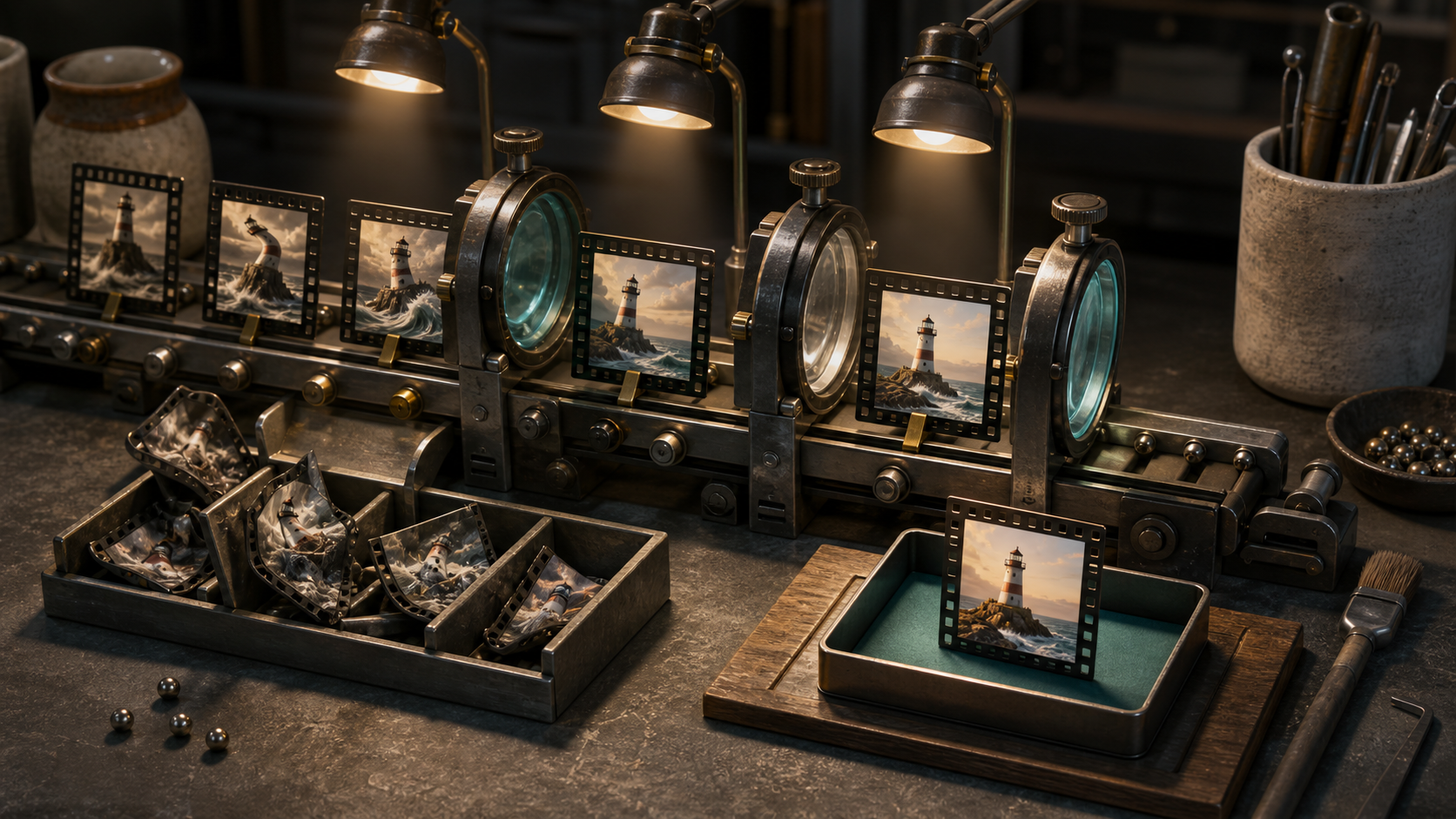
AI video testing often looks scientific from a distance: generate four clips, watch them side by side, and pick a winner. In practice, the loudest detail usually wins. A dramatic camera move hides a broken hand. A beautiful first frame distracts from a product that changes shape. One lucky result makes a weak prompt look reliable. A recent OpenAI audit of coding evaluations offers a useful lesson for creators. The researchers found that an evaluation can produce misleading results when its instructions are unclear, its tests are too strict, or its checks cover too little of the requested work. Video generation has the same problem. If your test is vague, you are not measuring the model or prompt. You are measuring your own reaction to a handful of clips. The fix is a small evaluation rubric: a repeatable set of criteria, weights, and failure rules. You can use it for product demos, ads, cinematic shots, character clips, or social content in Quby. The goal is not to turn creative judgment into a spreadsheet. It is to protect that judgment from avoidable noise.
Start with one decision
Before generating anything, write the decision the test needs to support. Keep it narrow. Weak decision: Which model makes the best video? Useful decision: Which model can produce a six second tabletop product reveal with stable packaging, readable motion, and enough empty space for vertical ad copy? The useful version defines the shot, duration, subject, motion, and delivery context. It also prevents a model from winning because it made an impressive clip that cannot be used in the campaign. Choose one test type:
- Model test: Keep the prompt and settings as similar as possible, then compare tools.
- Prompt test: Keep the model, seed policy, aspect ratio, duration, and source image fixed, then change one prompt variable.
- Workflow test: Compare complete production paths, including retries, editing time, upscaling, and export. Do not mix the three. If you change the model, source image, prompt structure, and duration at once, the result may be interesting, but it will not tell you what caused the improvement.
Build a five part rubric
Score every clip from 1 to 5 on five criteria. A 1 means unusable. A 3 means fixable with a normal edit or one targeted retry. A 5 means ready for the intended placement.
1. Brief fidelity, 30 percent
Did the clip deliver the requested subject, action, composition, and ending? This receives the largest weight because a gorgeous miss is still a miss. For a product demo, check that the correct object remains central, the requested feature is visible, and the final frame supports the intended call to action. For a character shot, check identity, wardrobe, action, and emotional beat.
2. Temporal stability, 25 percent
Watch the full clip at normal speed, then frame by frame. Look for shape drift, identity changes, texture crawling, disappearing props, warped anatomy, and backgrounds that reorganize themselves. A clip should not receive a 5 just because the first and last frames look right. Stability is about the path between them.
3. Motion quality, 20 percent
Judge whether movement has believable timing, weight, direction, and continuity. Separate subject motion from camera motion. A smooth orbit cannot compensate for a floating product or a hand that accelerates without cause.
4. Editability, 15 percent
Ask whether an editor can actually use the result. Is there a clean entry frame? Can the clip be trimmed without breaking the action? Is there room for captions? Does the subject cross an area reserved for copy? Can a bad final half second be removed?
5. Efficiency, 10 percent
Record attempts, generation time, credit cost, and cleanup minutes. A clip that scores 92 after twelve retries may be a worse production choice than one that scores 86 on the second attempt. Reliability matters when you need a series, not a single portfolio shot. Calculate the weighted score, but add hard failure rules. Reject a clip regardless of score if the product changes identity, required text becomes false or unreadable, a character gains obvious anatomy errors, the main action never happens, or the output violates brand or safety requirements. Hard failures keep visual polish from masking a production blocker.
Write prompts that can be evaluated
A test prompt needs observable requirements. Words such as cinematic, stunning, and dynamic may guide style, but they do not define success. Name the subject, action, camera, environment, timing, and invariants. Here is a product demo prompt:
Six second studio product video, 16:9. A matte orange travel bottle stands on a pale stone turntable. The turntable completes one slow quarter rotation while the camera makes a subtle push forward. Condensation stays fixed to the bottle surface. The bottle shape, cap, color, and label area remain unchanged in every frame. Soft morning light from one side, neutral background, realistic contact shadow. End on a steady two second hero frame. No hands, no extra objects, no text, no logo. That prompt gives the evaluator specific things to inspect. It also separates motion requirements from invariants. For a prompt comparison, change one variable: Keep the scene, bottle, lighting, timing, and final hero frame unchanged. Replace the camera push with a locked camera. Only the turntable moves. For an image to video character test, try: Animate the reference portrait into a five second medium shot. The person looks toward the window, takes one calm breath, then returns their gaze to camera. Preserve facial identity, hairstyle, clothing, jewelry, and background layout. Locked camera, natural blink timing, restrained shoulder movement, no speaking, no new objects. Notice that each prompt includes a small action sequence. This makes motion errors easier to locate than a request for a person to simply look natural.
Run a fair test batch
Generate at least four clips per prompt variation. One clip measures luck. Four begins to reveal consistency. If the decision is expensive, use eight. Label outputs without the model or prompt name, such as A1, A2, B1, and B2. Review them in random order. First score silently, then compare notes if more than one person is involved. Use the same playback conditions for every clip. Watch once at normal speed with sound off, once at normal speed with intended audio, then once frame by frame. Score after the first two passes. Use frame inspection to confirm the cause of a low score, not to invent tiny faults no viewer would notice. In Quby, keep each test as its own project or clearly named group so the source image, prompt version, aspect ratio, and exports stay together. Save the failed clips too. They are useful evidence when you revise the prompt.
Diagnose the rubric before blaming the model
A bad evaluation can reject good clips or reward incomplete ones. Audit the rubric when results feel inconsistent. Your criteria may be too strict if they demand details the prompt never requested. They may be underspecified if reviewers disagree about what a 3 means. Coverage is too low if a product demo is judged only on beauty and not product identity. The prompt may be misleading if it asks for both a locked camera and an orbit. Run a calibration round with three clips: one obvious failure, one usable middle result, and one strong result. Ask two people to score them independently. If their scores differ by more than one point on several criteria, improve the score descriptions before testing more generations. Also inspect score distribution. If every clip receives 4 or 5, the rubric is not helping you decide. If every clip fails, your prompt or threshold may be unrealistic. A useful test creates separation while still matching real production needs.
Turn results into the next prompt
Do not revise a prompt with a pile of adjectives. Find the lowest scoring criterion and change the smallest relevant instruction. If brief fidelity is low, clarify the action and ending. If stability is low, reduce simultaneous motion and repeat the identity invariants. If motion quality is low, describe timing and physical weight. If editability is low, request a steady opening or closing hold. If efficiency is low, simplify the shot or test a different workflow. Keep a short test log with the prompt version, settings, number of attempts, median score, best score, hard failure count, and next change. Median score matters more than the single best clip because it reflects what you can expect on the next job. When you are ready to test a campaign shot, set up two controlled prompt versions in Quby and use this rubric before choosing the prettier thumbnail. It takes a few extra minutes, but it can save a long cycle of random retries. The best AI video workflow is not the one that produces one astonishing clip. It is the one that tells you why a clip worked, how often it works, and what to change when it does not.
Ready to Create with AI?
Put these techniques into practice with Quby's professional AI creative tools.
Launch Creative Suite