Zero-Cost Cinematic: Create Stunning 2026 AI Videos Free with Quby's Studio and Essential AI Tools
Forget expensive gear! Create stunning, cinematic AI videos
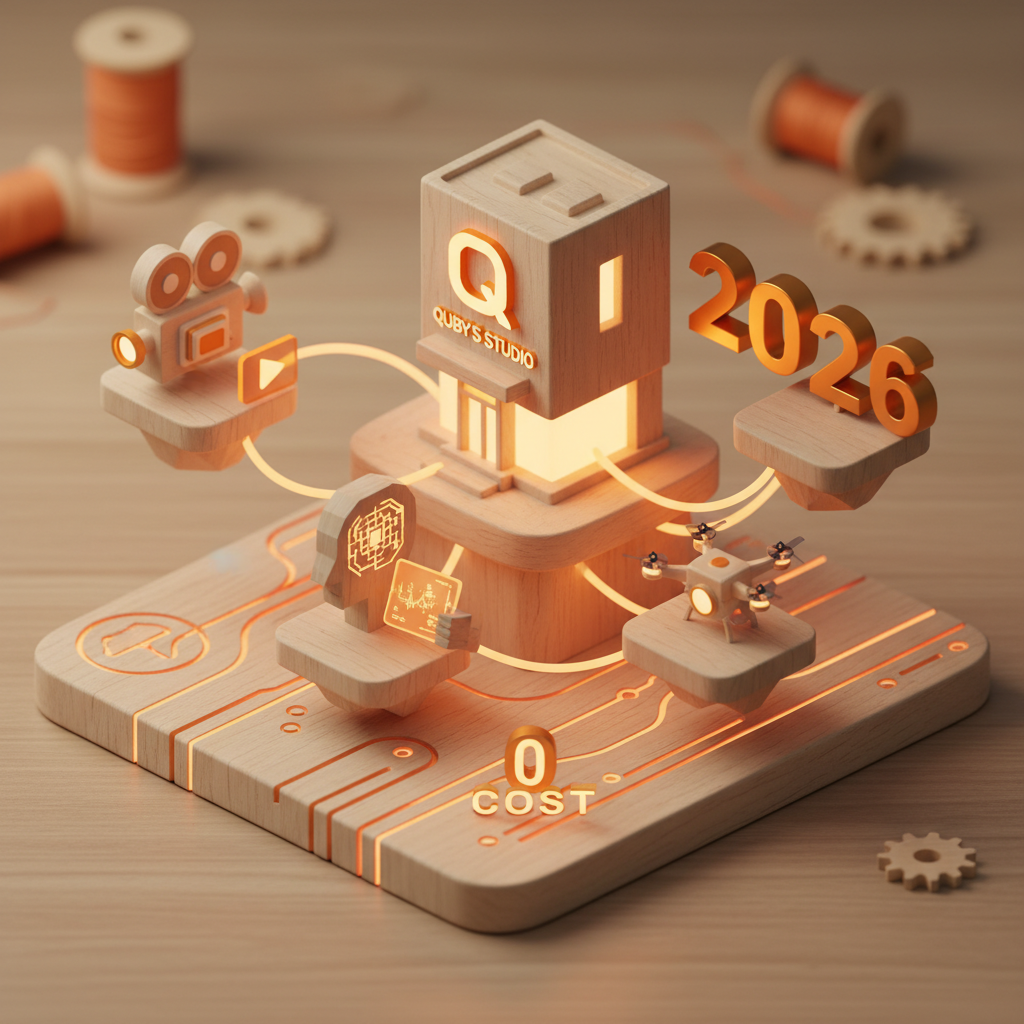
The Rise of Zero-Cost Cinematic AI Video in 2026
Remember when making a truly eye-catching, almost cinematic video meant shelling out for expensive cameras, lighting kits, and maybe even a crew? Those days are quickly fading into the rearview mirror, especially here in March 2026. We're living in an incredible time, a real sweet spot where artificial intelligence has basically flattened the playing field for video creators. Now, you don't need a huge production budget to make something stunning. You just need a good idea and the right set of tools.
This year, the buzz isn't just about AI getting better, it's about AI becoming incredibly accessible, even for cinematic ai video production. We're seeing models that were once exclusive or super pricey now offering generous free tiers or highly capable open-source alternatives. This means that a creative individual or a small team can produce professional-grade visuals, engaging voiceovers, and unique soundtracks without spending a dime. It's truly a new era for budget video production. Think about it: high-quality visuals, dynamic audio, all crafted with smart AI, and all for zero cost. Sounds like a dream, doesn't it? Well, it's very much our reality right now.
Decoding "Free" AI Video Creation: What's Possible in 2026?
Let's be clear about what "free" means in the context of 2026 AI video creation. We're not talking about unlimited, commercial-grade usage of every top-tier model out there for absolutely nothing. That's just not how it works. Instead, "free" means smartly using the generous free tiers, trials, and open-source options that are available across the AI landscape. It's about piecing together a workflow from various powerful tools, each contributing a crucial part without costing you upfront money.
Can you create videos with ai that look professional and tell a compelling story, all for free? Absolutely. The quality of ai video generator tools like Veo 3.1, Runway 4.5, Kling 3, Minimax Video-02, and Sora 2.0 has seen exponential leaps. Their free tiers, while often having limits on generation time or resolution, are usually more than enough to create short, impactful clips. Combine those with text to video ai features that let you conjure scenes from simple descriptions, and you've got a powerful starting point. It's not about making a Hollywood blockbuster for free, but it's entirely possible to produce high-quality shorts, social media content, educational explainers, or even proof-of-concept trailers.
These models, even in their free forms, offer incredible fidelity, consistency, and stylistic control that was unimaginable just a couple of years ago. You can generate diverse shots, explore different camera angles, and even dictate specific moods or lighting conditions. The creative freedom here is immense, and it's all available through free ai video tools if you know where to look and how to combine them effectively.
Crafting Core Visuals: Quby's Video Studio for Stunning Free Footage
When it comes to the visual backbone of your zero-cost cinematic project, you need a reliable ai video maker free solution, and that's where Quby really shines. The Quby Video Studio (you can check it out at quby.app) is designed to be your primary visual engine, offering intuitive tools that let you generate impressive footage without breaking the bank. It's built with the idea that everyone should have access to powerful creative AI.
How does it work? Well, imagine you have a scene in mind: "A lone astronaut gazes out at a vibrant nebula from the cockpit of a sleek, futuristic spaceship." You'd simply type that into Quby's text-to-video interface. Quby then interprets your words, considers the stylistic parameters you might set (cinematic, sci-fi, realistic), and then generates a video clip. It's that straightforward. The quality of these outputs, powered by some of the latest advancements in visual AI, is genuinely impressive. You'll get frames with rich detail, coherent motion, and a visual style that truly feels cinematic.
Quby's focus on user-friendliness makes it an ideal choice for anyone looking to make a cinematic ai video without needing a degree in video production. You don't need to worry about complex camera settings or frame rates. You describe, Quby creates. This means you can quickly iterate on ideas, generating multiple takes or variations of a scene until you get exactly what you envision. It's a fantastic way to quickly build out the core visual narrative of your project. And because Quby is an ai video generator built for creators, it keeps an eye on 2026 ai video trends, incorporating features that ensure your output looks current and fresh.
Beyond direct video generation, Quby often provides tools that assist with image generation and animation, which are crucial for any detailed video. You might need a specific prop, a background texture, or a character design. This is where you can also tap into the capabilities of advanced 2026 image models like FLUX 1.1, Grok Imagine, Gemini 2.5, GPT-5 DALL-E, and Ideogram 3.0. While Quby might generate the motion, you can bring in static images created by these other AIs as elements within your scene or for mood boards. They're excellent for getting precisely the visual components you need, which can then be animated or composited. Combining Quby's video power with the precise image generation of these tools gives you an incredible amount of creative control, all still within that beautiful "zero-cost" bracket.
Expanding Your Free Toolkit: Integrating 2026 AI for Voice, Music, and More
A visually stunning video is only half the battle. To truly make a cinematic ai video, you need an immersive soundscape: compelling voiceovers, atmospheric music, and well-placed sound effects. Luckily, the free ai video tools landscape in 2026 extends far beyond just visuals.
Voiceovers that Resonate:
Forget hiring voice actors. Seriously. Voice AI models like ElevenLabs v3, Bark 2.0, and OpenAI TTS-HD have achieved astonishing levels of realism and emotional range. You can generate natural-sounding narration, character dialogue, or even abstract vocalizations with just text input. Many of these offer free tiers that allow for a decent amount of generation time each month. This means you can script out your entire voiceover, paste it in, and let the AI bring it to life in a voice that matches your video's tone, whether it's a deep, authoritative narrator or a light, whimsical character. The control over tone, pitch, and even subtle inflections is surprisingly solid, making it easy to create videos with ai that sound just as good as they look.
Music to Move Them:
Music sets the mood, drives the pace, and often tells as much of the story as the visuals themselves. Finding royalty-free music that perfectly fits your project can be a headache, but not anymore. Several ai video maker free solutions for music generation exist, often with free trials or limited free usage. You can describe the mood you're going for ("ethereal, futuristic, sad piano," or "upbeat, triumphant orchestral") and the AI will compose something unique. Alternatively, you can always fall back on vast libraries of public domain or Creative Commons music, which offer excellent choices, although without the bespoke touch of AI generation. Don't underestimate the power of a custom AI-generated score to elevate your cinematic ai video to the next level.
Beyond the Basics: 3D and Sound Effects:
What if your video needs a custom 3D model, maybe a unique spaceship or a strange alien artifact? 2026 has you covered there too. AI 3D models like Meshy v4, Trellis, Rodin Gen-2, and Tripo3D v3 offer free tiers or trials that let you generate basic 3D assets from text prompts or even simple sketches. You might not create a highly complex character rig, but a static prop or an environmental element? Totally doable. These models are truly opening up new avenues for budget video production.
And for sound effects? While AI for sound effects isn't quite as advanced as voice or music generation (yet!), there are plenty of excellent free online libraries. Combining specific, curated sound effects with your AI-generated visuals and audio will give your ai video generator project that final layer of polish.
It's all about integrating these free ai video tools. Think of yourself as a director, orchestrating a symphony of artificial intelligences to bring your vision to life. The possibilities are truly immense, and they're growing with every passing month in 2026.
Your Step-by-Step Blueprint: Producing a 2026 Cinematic Video on a Shoestring
Ready to jump in and create videos with ai without spending a fortune? Here's a practical, step-by-step blueprint to guide you from concept to a polished cinematic ai video using free ai video tools and focusing on budget video production.
Step 1: Nailing Down Your Concept and Script
Even with AI, a great video starts with a great idea. Don't skip this part!
- Brainstorming: Start with a simple concept. What story do you want to tell? What feeling do you want to evoke?
- AI for Ideation: Use a large language model like GPT-5 DALL-E or Gemini 2.5 to help flesh out your ideas. Ask it to generate script outlines, character backstories, or even specific shot descriptions.
- Prompt Example: "Generate five short film concepts for a sci-fi drama about a solitary space explorer, focusing on themes of isolation and discovery."
- Outline and Script: Once you have a concept, write a simple script. This doesn't need to be Hollywood-level. Focus on the key visual moments and dialogue/narration. A simple storyboard, even rough sketches, will help you visualize each scene.
Step 2: Generating Core Visuals with Quby's Video Studio
This is where your ai video generator really comes into play. You'll generate the main video footage.
- Use Quby's Studio: Head over to quby.app and use the Quby Video Studio to create your primary video clips. Break your script down into individual shots.
- Craft Your Prompts: Be descriptive! Think about camera angles, lighting, mood, action, and subject.
- Example Prompt for Quby: "A wide shot of a futuristic cityscape at dusk, neon lights reflecting on wet streets, a lone hovercar speeding past. Cinematic, high detail."
- Another Prompt: "Close-up on a character's contemplative face, soft glow from a holographic map, subtle eye movement showing concern. Introspective."
- Iterate and Refine: Generate a few versions of each shot. AI is great for this, allowing you to tweak prompts and get variations. Save the best takes.
- Supplement (if needed): If Quby's internal generators don't quite hit a very specific visual style for a particular short clip, consider trying the free tiers of other
text to video aimodels like Runway 4.5 or Minimax Video-02 for very short, specific shots to integrate. But remember, the goal is free, so stick to trials or limited free outputs.
Step 3: Adding Voice and Sound Effects
Now, let's make it sound incredible.
- Voiceover Generation:
- Take your script's dialogue or narration.
- Go to ElevenLabs v3, Bark 2.0, or OpenAI TTS-HD. Use their free tiers.
- Experiment with different voices and emotional tones until you find the perfect fit.
- Generate and download your audio files.
- Sound Effects:
- Search free sound effect libraries online (e.g., Freesound.org, Zapsplat free tier).
- Look for ambient sounds, specific actions (footsteps, explosions, UI sounds), and atmospheric elements that enhance your visuals.
Step 4: Composing Your Soundtrack
Music brings everything together.
- AI Music Generation: Explore free AI music generators that let you describe a mood or style. This is your chance to get a custom track.
- Royalty-Free Libraries: If AI generation isn't quite hitting the mark, search reputable royalty-free music libraries for tracks that match your video's emotional arc. Many offer free tracks for non-commercial use, or even some for commercial use with attribution.
Step 5: Assembling and Editing Your Video
You have all the pieces; now put them together!
- Free Video Editor: Download a powerful free video editor like DaVinci Resolve (the free version is incredibly capable), Kdenlive, or CapCut Desktop.
- Assemble: Import all your AI-generated video clips from Quby, voiceovers, music, and sound effects.
- Edit:
- Arrange your clips in sequence according to your script.
- Trim clips to perfect timing.
- Sync your voiceovers and sound effects.
- Layer your music track, adjusting volume levels so nothing overpowers the dialogue.
- Add simple transitions.
- Basic color correction can make a huge difference in achieving a
cinematic ai videolook. Most free editors have these tools. - AI Polish (Optional): Some free editing software might include basic AI upscaling or denoise features. Even if not, a simple YouTube tutorial on basic color grading for a "cinematic look" can take you far.
Step 6: Review and Export
Watch your video several times. Does it flow well? Is the sound balanced? Does it tell your story?
- Export your finished video in a high-quality format suitable for sharing online.
And that's it! You've just orchestrated a full ai video maker free production, creating a truly compelling and cinematic video using nothing but your creativity and the amazing 2026 ai video trends in free ai video tools. It's a testament to how far AI has come, making high-quality content creation accessible to absolutely everyone.
Ready to bring your cinematic vision to life? Take the first step today. Head over to Quby's Video Studio at quby.app and start turning your ideas into stunning video reality, all without spending a cent. The future of creative storytelling is here, and it's completely open to you.
Ready to Create with AI?
Put these techniques into practice with Quby's professional AI creative tools.
Launch Creative Suite