How to Create 3D Models from Text: Complete Guide 2026
Learn how AI can transform simple text descriptions into production-ready 3D models. No 3D experience required - perfect for game developers, product designers, and creators.
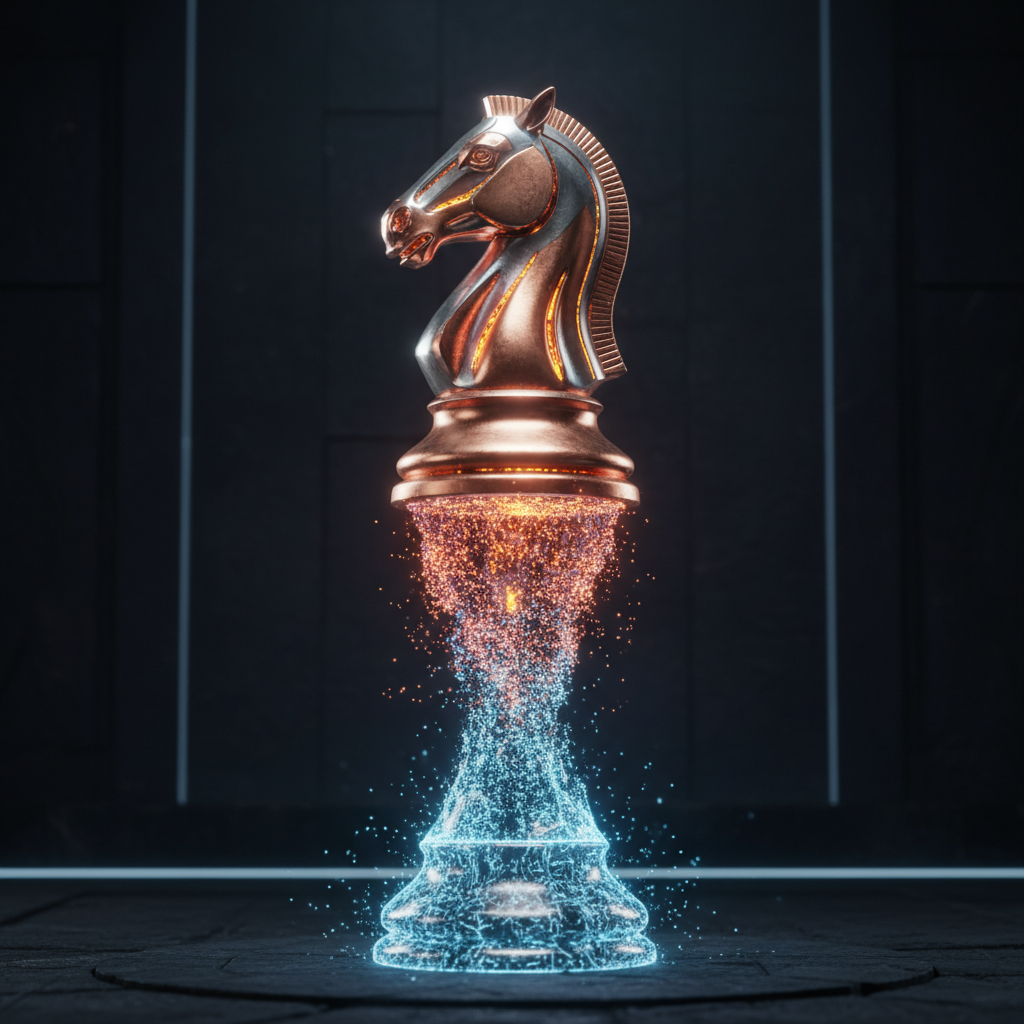
The Revolution in 3D Content Creation
Creating 3D models used to require years of training in complex software like Blender or Maya. Today, AI has democratized 3D content creation, allowing anyone to generate professional-quality 3D assets from simple text descriptions or images.
Understanding Text-to-3D Technology
Modern text-to-3D AI works by understanding spatial relationships, materials, and lighting from your description. The technology has matured significantly, now producing models suitable for:
- Game development and virtual worlds
- Product visualization and e-commerce
- Architectural previews
- Marketing and advertising
- Educational content
Step-by-Step: Creating Your First 3D Model
1. Write a Descriptive Prompt
Be specific about your desired object. Include:
- Shape and proportions
- Material and texture
- Color and finish
- Style (realistic, stylized, cartoon)
2. Generate and Review
The AI will create multiple views of your 3D model. Review the geometry, proportions, and overall quality. Most tools generate models in seconds.
3. Export and Use
Export in your preferred format:
- GLB/GLTF - Web and apps
- OBJ - General 3D software
- FBX - Game engines
- USDZ - AR applications
Best Practices for Professional Results
Material Descriptions
Use industry-standard material terms:
- Metallic vs. matte finishes
- Glossy vs. diffuse surfaces
- Transparent or translucent materials
- Textured surfaces (wood grain, fabric weave)
Scale and Proportions
Specify real-world dimensions when accuracy matters. AI models may need scaling for your specific use case.
Getting Started with Quby's 3D Generator
Our AI-powered 3D Generator supports both text-to-3D and image-to-3D conversion. Simply describe what you want or upload a reference image, and get a production-ready 3D model in minutes.
Ready to Create with AI?
Put these techniques into practice with Quby's professional AI creative tools.
Launch Creative Suite