Seedance 2.0 Product Demo Workflow for Creators
Use Seedance 2.0 to turn one strong product frame into a short demo clip with clear motion, camera intent, and fewer wasted generations.
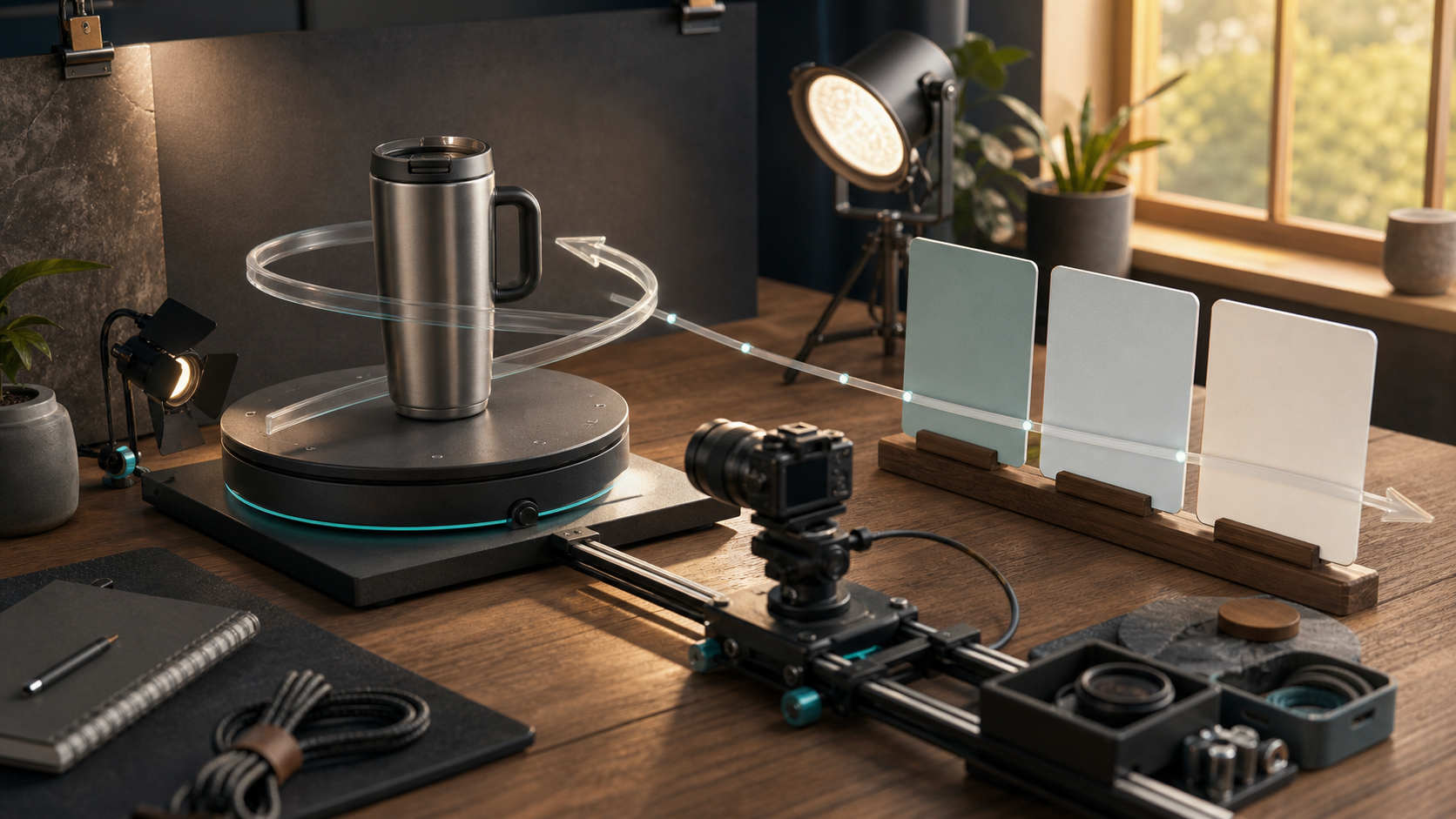
Seedance 2.0 Product Demo Workflow for Creators
Seedance 2.0 is becoming a useful option for creators who need short product videos that look planned instead of random. The practical opportunity is not to write a longer prompt. It is to build a repeatable demo recipe: one clear product frame, one visible action, one camera move, and one final use case. If you can describe those four things before you generate, the model has a much better chance of giving you a clip you can publish. This guide focuses on product launches, paid social tests, app promos, packaging previews, and small ecommerce demos. You can run the same workflow in Quby when you want to compare Seedance against other video models without rebuilding your prompt from scratch.
Start with a one shot brief
Before opening any video tool, write a brief that is short enough to fit on a sticky note. A good Seedance brief has five parts:
- Product or subject: what the viewer must notice first.
- Motion: what changes during the clip.
- Camera: how the shot is framed and how it moves.
- Setting: where the product sits and what supports it.
- Output: where the clip will be used. Example brief:
A stainless steel travel mug on a desk. Steam rises from the lid while a hand places a notebook beside it. Slow push-in camera. Morning window light. 9:16 ad for a launch post.
That brief is not the final prompt. It is the filter you use to reject weak ideas. If the motion is vague, the clip will usually feel vague. If the camera move fights the product action, the result can look busy. If the setting has too many props, the model may spend attention on the wrong thing.
Build the reference frame first
For product demos, image-to-video is usually easier to control than pure text-to-video. Start with a still frame that already solves composition, product scale, surface texture, and lighting. The video model can then focus on motion instead of inventing the entire scene. Use this checklist for the reference image:
- Product occupies 30 to 55 percent of the frame.
- Background has depth but not clutter.
- The most important surface is visible.
- Any hand, tool, or prop has a clear reason to exist.
- There is space for motion in the direction you want.
Use a prompt that separates scene, motion, and camera
Seedance prompts work better when you keep the scene description separate from the movement instruction. The model needs to know what should stay stable and what should change. Use this structure:
Scene: [static description of the product, setting, light, and style]
Motion: [one or two visible actions]
Camera: [one camera move and framing rule]
Style: [realistic, editorial, clean, handheld, studio, or cinematic]
Constraints: [what must stay consistent and what to avoid]
Example:
Scene: A matte black desk lamp on a walnut desk, warm light spilling onto a sketchbook, minimal studio set.
Motion: The lamp head tilts down and the light beam brightens slowly across the page.
Camera: Slow push-in from a three-quarter front angle, keep the lamp centered and fully visible.
Style: Realistic product demo, soft shadows, premium desk setup.
Constraints: Keep the lamp shape consistent, no extra text, no logo, no warped hands.
Pick one motion type per clip
A short product demo should usually do one thing well. Do not ask for a rotating product, pouring liquid, a hand interaction, floating particles, a zoom, and a background transition in one five second clip. Choose the motion that proves the value. Use these decision criteria:
- If the value is texture, use a slow camera move.
- If the value is size or shape, use a turntable or orbit.
- If the value is function, use one hand interaction.
- If the value is speed, use a before and after reveal.
- If the value is mood, use lighting change or environmental motion.
Three prompt examples you can adapt
Product launch clip
Scene: A compact white espresso machine on a bright kitchen counter, ceramic cup under the spout, clean morning light.
Motion: Espresso flows into the cup and a small curl of steam rises.
Camera: Locked close medium shot with a very slow push-in, keep the machine and cup stable.
Style: Realistic editorial product demo, crisp reflections, calm premium mood.
Constraints: No text, no logo, no extra hands, no shape changes to the machine.
App promo clip
Scene: A phone on a desk showing a simple creator project preview, soft studio light, notebook and stylus nearby.
Motion: A finger taps the phone once and the preview image animates into a short video on the screen.
Camera: Overhead angle with a slight slide to the right, keep the phone screen readable as a visual block.
Style: Clean creator workbench, realistic hands, modern desk setup.
Constraints: Do not invent readable UI text, keep the phone shape consistent, no floating logos.
Social ad clip
Scene: A colorful sneaker on a concrete plinth, daylight studio, subtle paper backdrop.
Motion: The sneaker rotates 30 degrees while the lace tips sway gently.
Camera: Low angle close shot with a slow orbit, keep the sneaker sharp.
Style: Fashion product demo, natural shadows, polished but not glossy.
Constraints: Keep the sneaker design consistent, no text, no duplicate shoes, no distorted sole.
Plan a 15 second sequence as three small shots
Instead of trying to generate one perfect long clip, plan three shorter clips. This gives you more chances to keep quality high and makes editing easier. Use this layout:
- Shot 1: establish the product and setting.
- Shot 2: show the action or feature.
- Shot 3: show the result or final beauty frame. For example, a travel mug ad could use a desk beauty shot, a hand closing the leakproof lid, and a final walking shot with the mug in a bag pocket. Each clip has a different job. Together they feel like a demo.
Review outputs with a simple scoring pass
Do not judge a generation only by whether it looks cool. Score it against the job it had to do. Use a 1 to 5 score for each category:
- Product consistency: did the product keep its shape and key details?
- Motion clarity: can a viewer understand what changed?
- Camera control: did the shot frame the subject the way you asked?
- Publish fit: does it work for the platform and aspect ratio?
- Edit value: can you use at least three seconds of it?
Fix common problems with narrower prompts
If the product morphs, reduce motion and add a stronger consistency constraint. If hands look bad, remove hands or show only a partial hand entering from the edge. If the camera loses the subject, switch from orbit to slow push-in. If the result feels like stock footage, add one concrete product detail, material, or use context. Bad revision:
Make it better and more cinematic.
Useful revision:
Keep the same bottle shape and label position. Reduce the camera move to a slow push-in. Only animate water droplets sliding down the glass. No hands and no extra objects.
That second revision gives the model a smaller target. Smaller targets usually win.
Fit Seedance into the whole edit
A practical creator workflow is: generate the reference image, animate it with Seedance, save two or three candidates, then edit the best seconds into a platform-ready cut. Quby Video Studio is useful here because the video model is only one part of the process. You still need aspect ratios, trimming, captions, music, and alternate versions for ads or organic posts. Treat Seedance as a shot generator, not as the whole editor. Plan the shot, generate it, score it, revise once, then move on. That keeps creative momentum high and stops you from burning time on tiny prompt changes that do not affect the final post.
Soft launch before you scale
Before making ten variations, publish or test one tight clip. Watch for the first three seconds, the product read, and whether viewers understand the action without sound. If the clip passes those checks, make variants by changing one thing at a time: angle, setting, color, or product action. When you are ready to test your own demo, open Quby Video Studio and start with one reference image plus one precise Seedance prompt. The best first goal is not a perfect ad. It is a usable five second shot you can learn from and improve.
Ready to Create with AI?
Put these techniques into practice with Quby's professional AI creative tools.
Launch Creative Suite