A practical creator workflow for AI video after model safety headlines
Security news can change default assumptions. This guide gives you a fast prompt stack, model comparison method, and review cadence to produce AI videos that are both efficient and safe to publish.
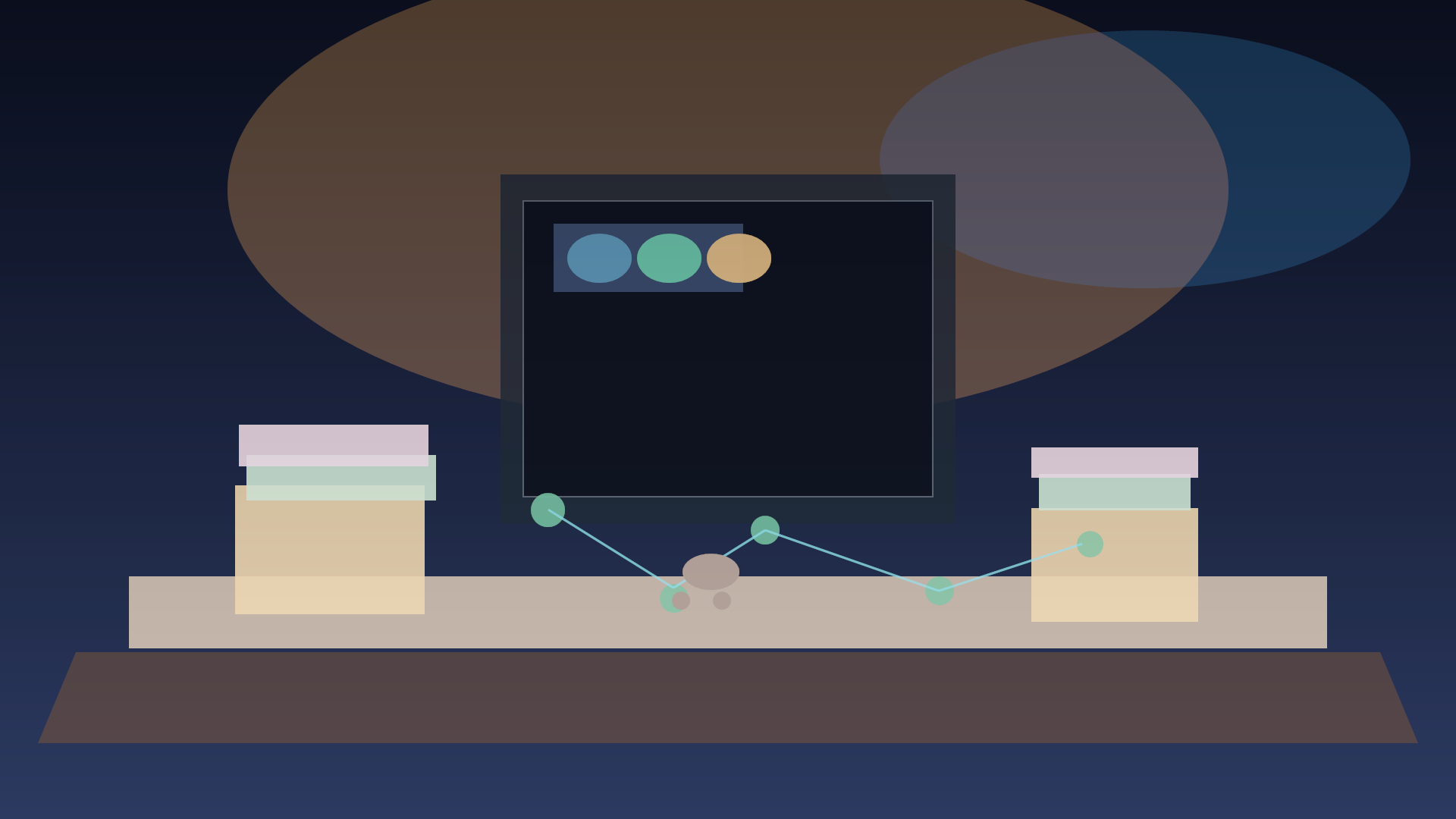
The newest AI security headlines can make creator teams feel like they should pause everything until the dust settles. That usually creates two bad habits. First, teams overreact and abandon experimentation. Second, teams ignore the signals and keep shipping without guardrails. Neither path is ideal. A practical workflow is better: keep iterating like normal, but put quick controls around prompts, approvals, and publish checks. This gives you speed plus predictability. When you see posts like the recent model evaluation updates, treat them as a reminder to separate "can I make this" from "should I ship this". The production workflow below is built for short-form and long-form creators who use tools such as Seedance, Runway, Kling, Veo, Sora, Grok Imagine, Seedream, Recraft, Flux, and Imagen in mixed stacks.
Step 1 - Start with a narrow output contract
Write the delivery target before touching a model. If that target is not explicit, your prompt quality will drift and your review loop will get noisy. Create a one line contract for each output:
- Platform: TikTok, Instagram Reels, YouTube short, LinkedIn, landing page hero
- Aspect: 9:16, 16:9, or 1:1
- Runtime: 5, 8, 12, or 30 seconds
- Motion tolerance: subtle, natural, stylized, cinematic
- Risk level: safe, medium, high
A useful output contract looks like this:
"7 second vertical product micro-story, subtle motion, low visual risk, no brand logos, no text on screen"Keep this contract visible at the top of your notes or your prompt doc. It becomes the guardrail your team can trust.
Step 2 - Build a prompt stack
Do not write one giant paragraph and hope. Use small blocks. This makes changes easier and lets you compare two versions quickly. Use this stack format:
- Intent block
- Visual block
- Motion block
- Quality block
- Safety block Example:
INTENT: Explain how a creator can prepare one week of social content in 15 minutes.
VISUAL: Editorial 3D diorama style desk scene, warm daylight, clean materials, soft reflections.
MOTION: Slow pan across desk, then hold on hand gesture moment.
QUALITY: 16:9 output, natural skin tone, no compression artifacts, clean edges on hands and props.
SAFETY: No logos, no real people, no medical claims, no explicit politics.
This stack keeps prompt changes small. You can replace only VISUAL when you test style changes and keep SAFETY constant.
Step 3 - Prompt examples for a real production day
Here are ready-to-test prompts based on the same base contract.
Prompt A - Seedance style
A 12 second 16:9 clip, 9:16 preview crop included, editorial 3D diorama of a small creator workbench, neon desk lamp, layered notebooks, coffee cup, and tablet showing moodboard previews. Camera starts close on a pen and pulls back slowly. Gentle hand movement and subtle paper flutter. Keep movement smooth, realistic depth, no text, no brand marks.
Prompt B - Runway/Kling hybrid
A tutorial sequence in a cinematic toolbench scene. The camera tracks from left to right while a presenter assembles a shot list, places two cards labeled "first idea" and "second take" on a corkboard, then opens a timeline node and approves one shot. Emphasize practical object placement, clear keyframes, and natural workflow timing. Color grading with muted contrast, clean edges, no UI overlays.
Prompt C - Flux for alternate still style
Create a still concept board version of the same scene for consistency checks. 16:9, soft editorial lighting, realistic materials, wood textures, matte paper, and a few stacked color cards. No lettering, no watermark, no people, no logos.
Use the same structure for every prompt. If one variant passes quality but fails emotional clarity, keep visual and motion fixed and retune only the intent line.
Step 4 - Decide model choice with simple criteria
Do not pick a model by hype. Choose by what reduces revision cost.
| Question | Use Flux or Imagen for style references | Use Runway for dynamic motion | Use Kling for motion and continuity | Use Sora or Veo for cinematic complexity | Use Recraft or Seedream for stylized stills |
|---|---|---|---|---|---|
| Need fast moodboard drafts | High | Medium | Medium | Medium | High |
| Need stable character continuity | Medium | Medium | High | High | Low |
| Need strict commercial style | High | Medium | Low | Low | Medium |
| Need low cost iterations | High | Medium | Medium | Low | High |
| Need final social clip polish | Low | High | High | High | Low |
| Score each row from 1 to 5 for your current brief. If one option is strong across most rows, use it for first pass. If all scores are close, run tiny experiments of 3 variants each and keep the one with the cleanest cut points. |
Step 5 - Build a two hour review cadence
For creators shipping daily, a strict schedule beats large batch cleanup.
- First pass, 30 minutes: generate 3 versions for each chosen prompt block.
- Second pass, 30 minutes: remove weak versions; retune only one block of each losing version.
- Final pass, 30 minutes: export your best 2 and add metadata.
- Reserve pass, 30 minutes: compliance and style compliance checks. On the review pass, track only objective criteria:
- No visual glitches or impossible joins
- No forbidden terms or unsafe imagery
- Timing rhythm matches target platform
- Motion reads as intentional, not accidental If more than half fail, stop adding new prompts and revisit your safety block.
Step 6 - Add lightweight compliance before publish
Safety here is not bureaucracy. It is the part that saves late panic. Use a short checklist before posting:
- Source consistency: one contract per asset.
- Attribution clarity: if any external material is used, note it.
- Sensitive content risk: verify no names, logos, or protected brand marks.
- Policy fit: avoid high risk claims and unverifiable health or legal instructions.
- Data hygiene: keep prompts and settings in versioned notes so your team can reproduce a winner. This is where creators often skip steps. Do not skip it. The goal is a fast pipeline that does not leak risk into your publish queue. Quby can help if you set your prompts, scoring, and notes as reusable templates. You can reuse a single prompt stack and only swap tool names as you move between Seedance, Runway, and Kling.
Step 7 - Publish, measure, and loop
Once an asset passes the reserve pass, publish with a clear test variable and capture two numbers in your weekly review:
- Time from first prompt to publish
- Percentage of first-pass outputs that pass all checks The team that publishes faster is usually the one with fewer surprises later, not the team with the fanciest prompt syntax. Use the same structure for every week:
- Keep the best two prompts.
- Replace one block per week, never every block.
- Measure retention or watch time shift.
- Archive the blocks that work. If results improve, you scale. If results flatline, you do not scale; you rebuild. The key takeaway is not that every model is risky or every trend is a warning sign. The key takeaway is to separate creativity from risk with a visible workflow. When you move this into Quby, your prompts become reusable playbooks, your review loop becomes repeatable, and your team gets steadier output even when model updates change overnight. If this structure looks like your current process, try one week with only the prompt stack and the two hour review cadence. You will usually cut revision churn within days, and your next creator batch will feel significantly more reliable.
Ready to Create with AI?
Put these techniques into practice with Quby's professional AI creative tools.
Launch Creative Suite