Unlock Stunning Visuals: Mastering Free AI Image Generation in 2026 with Quby & Advanced Prompts
Unlock stunning, free AI art in 202
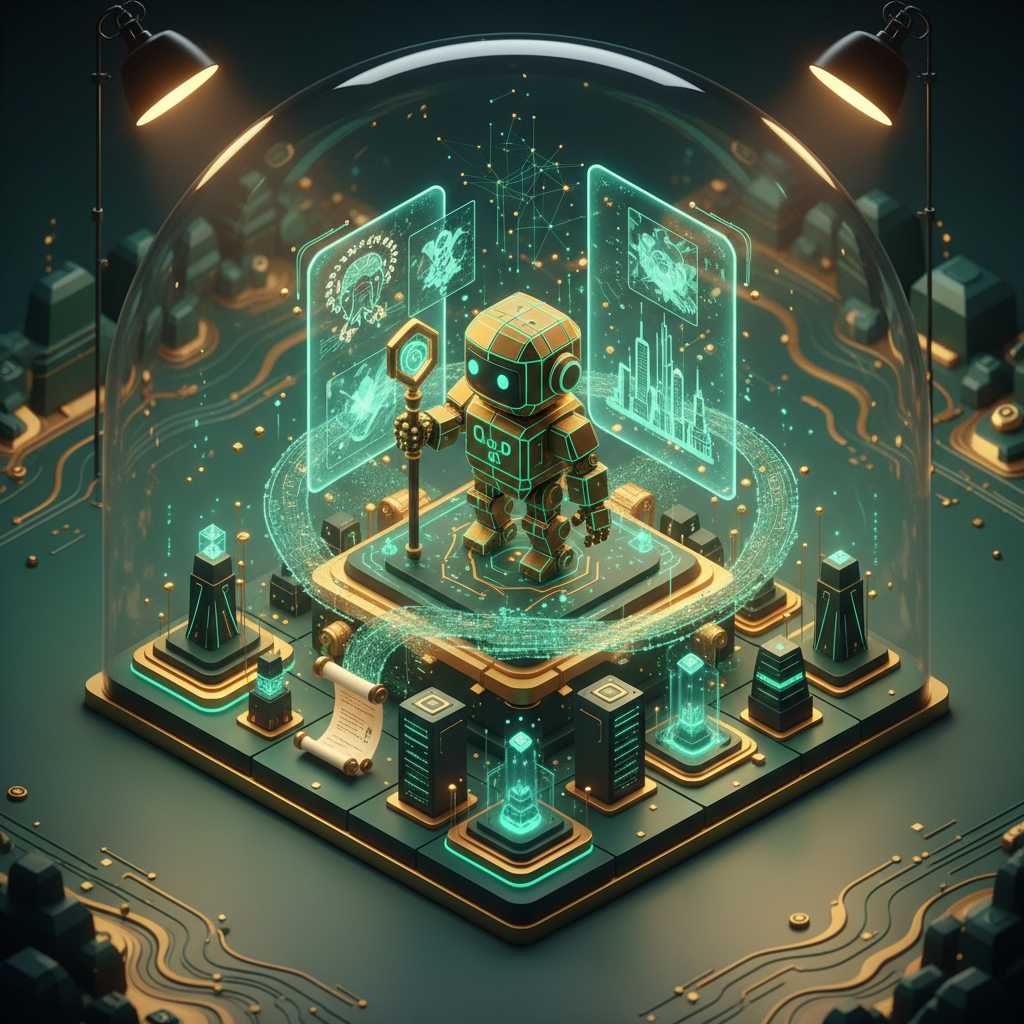
What a time to be alive, right? It's March 2026, and the digital art world feels less like a niche hobby and more like a universal language. Remember the days when AI art felt clunky, almost alien? Well, those days are long gone. Now, we're talking about photorealistic landscapes that fool the eye, intricate character designs, and abstract pieces that genuinely move you. The best part? You don't need a hefty subscription or a supercomputer to make it happen. The era of the truly powerful, free AI image generator is officially here.
You're probably thinking, "Okay, but how do I actually make stunning visuals without spending a dime or getting lost in technical jargon?" That's exactly what we're going to dive into today. We'll explore the incredible advancements in AI art generator technology, particularly the free options, and show you how platforms like Quby (quby.app) make it surprisingly simple to create genuinely amazing art. Get ready to transform your ideas into pixels with nothing but your imagination and some clever prompts.
The 2026 Landscape of Free AI Image Generation
Let's talk about what's happening right now. In 2026, the capabilities of even the free tiers of AI image generation models are frankly astonishing. We've moved light years beyond the initial novelty. Today, models like FLUX 1.1, Grok Imagine, Gemini 2.5, GPT-5 DALL-E, and Ideogram 3.0 are pushing boundaries, offering unprecedented detail, stylistic control, and consistency. And yes, many of these power fantastic ai image generator free experiences.
What's changed? A lot, actually. For one, the training datasets are vast and incredibly diverse, leading to a much richer understanding of context, composition, and artistic styles. We're seeing fewer of those weird, distorted hands or nonsensical backgrounds that plagued earlier versions. Instead, we get coherent, often breathtaking results that stand up to scrutiny.
Think about it: just a couple of years ago, generating a hyperrealistic portrait with accurate lighting and a specific emotion would have required hours of tweaking, if it was even possible for free. Now, a well-crafted prompt can get you there in seconds. The fidelity is so high that distinguishing AI-generated images from real photographs or human-made art has become a legitimate challenge, even for experts. That's a huge leap, right?
The democratization of these tools means that anyone, regardless of their artistic background, can become a visual creator. Whether you're a small business owner needing unique marketing assets, a blogger looking for eye-catching headers, a student illustrating a project, or just someone who wants to explore their creativity, the doors are wide open.
This isn't just about pretty pictures, though. It's about ideas taking form instantly. It's about breaking down creative barriers. And it's about having access to the best AI image generator 2026 has to offer, often without paying a cent for the core functionality. Tools like Quby are designed to be your entry point, a friendly guide through this exciting new world, giving you a straightforward way to tap into these powerful models and start creating.
Mastering Text-to-Image Prompts: From Basic to Brilliant with Quby
Alright, you've got an idea buzzing in your head. Maybe it's a "futuristic city skyline at sunset" or "a grumpy cat wearing a tiny chef's hat." How do you translate that into an image using text to image AI free tools? It all comes down to the prompt, which is essentially your conversation with the AI. Think of it as giving directions to a super-talented, super-fast artist who just happens to be a computer program.
Let's start with the basics, then build up to some truly brilliant techniques.
The Foundation: Be Specific and Descriptive
Forget vague terms. The AI isn't a mind-reader.
- Instead of:
cat - Try:
A fluffy orange tabby cat, curled up sleeping on a sun-drenched windowsill, soft natural light, warm atmosphere.
See the difference? We added color, action, setting, lighting, and mood. The more detail you provide, the closer the AI gets to your vision.
Adding Style and Artistic Flair
This is where your inner art director comes out. Do you want it to look like a painting, a photograph, or something else entirely?
- Art Styles:
oil painting,watercolor sketch,pixel art,hyperrealistic photography,3D render,cyberpunk aesthetic,steampunk style. - Artist Influence:
in the style of Van Gogh,reminiscent of Hayao Miyazaki,inspired by Frida Kahlo's portraits. (Use these sparingly and thoughtfully for best results).
Combine these: A futuristic cityscape, neon lights reflecting on wet streets, film noir aesthetic, in the style of Syd Mead.
Controlling Composition and Lighting
These elements dramatically impact the mood and focus of your image.
- Composition:
wide shot,close-up,dutch angle,rule of thirds,symmetrical composition,leading lines. - Lighting:
golden hour,dramatic backlighting,soft studio lighting,moonlit,neon glow,chiaroscuro.
Example: Close-up portrait of a wise old wizard, deep wrinkles, glowing staff, dramatic side lighting from a magical orb, intricate details.
Mastering Negative Prompts: What You DON'T Want
Often overlooked, but incredibly powerful! Negative prompts tell the AI what to avoid. This helps clean up common issues or prevent unwanted elements.
ugly, deformed, blurry, low resolution, bad anatomy, extra limbs, watermark, text, out of focus.
Using Quby (quby.app) makes experimenting with these AI prompting techniques simple. Its user-friendly interface lets you quickly input your positive and negative prompts, generate, and see the results. You can often save your favorite prompt structures too, which is a lifesaver when you're iterating on a concept. Quby is built to help you quickly understand what works and what doesn't, accelerating your journey from beginner to prompt master.
Advanced Techniques for Unlocking 2026 AI Art Potential
So, you've got the basics down. You can write a decent prompt and get something pretty cool. But what about pushing the boundaries? How do you move beyond "pretty good" to "absolutely stunning" with your generative AI art? In 2026, the advanced techniques are where the true magic happens. These methods turn simple text-to-image generation into a sophisticated creative workflow.
1. Iterative Prompting: The "Generate and Refine" Loop
This is probably the single most powerful technique. Don't expect perfection on the first try.
- Start simple: Generate a broad concept.
- Analyze the output: What worked? What didn't?
- Refine your prompt: Add details, change styles, adjust lighting, or use negative prompts to fix issues.
- Generate again: Keep repeating this process.
Example:
- Prompt 1:
A lone wolf in a forest.(Generates a generic image) - Prompt 2 (Refined):
A majestic gray wolf, piercing yellow eyes, standing on a mossy rock in a dense, misty evergreen forest, moonlit, hyperrealistic photograph.(Much better, but maybe the mist isn't quite right). - Prompt 3 (Further Refined):
A majestic gray wolf, piercing yellow eyes, standing on a mossy rock in a dense, ancient evergreen forest, soft moonlit fog swirling around the trees, hyperrealistic photograph, shallow depth of field, dramatic lighting. Negative prompt: blurry, harsh lighting, unnatural colors.
See how each step builds on the last? This iterative process is how you sculpt your vision.
2. ControlNet-like Guidance: Guiding the AI with References
Many of the best AI image generator 2026 models, including those accessible through Quby, offer forms of ControlNet or similar guidance. This means you can upload a reference image, a simple sketch, or even a pose, and the AI will try to adhere to that structure while generating your new image based on your text prompt.
- Sketch-to-Image: Draw a stick figure or a simple outline, then prompt "A superhero flying over a city, dynamic pose, comic book style." The AI will follow your pose.
- Image-to-Image: Have a photo you like for its composition, but want a completely different subject? Upload it as a reference and prompt for your new subject.
- Pose Guidance: If you need a character in a specific stance, you can use a basic pose image, tell the AI "A knight in shining armor, wielding a sword, heroic stance," and it will generate an image of a knight in that pose.
This moves text to image AI free generation beyond pure text, giving you direct visual input, which is a massive leap for creative control.
3. In-painting and Out-painting: Expanding and Fixing
These are often built into the editor functions of top AI platforms, and definitely something you'll find in the Quby image editor.
- In-painting: Select a specific area of your generated image (e.g., a character's hand that looks a bit off, or an empty wall you want to put a painting on). Then, with a prompt, the AI will intelligently fill or modify just that selected area, making it smooth with the rest of the image. It's like having a digital eraser and brush that understands context.
- Out-painting: What if your image is great, but you need more of the scene? Out-painting allows you to extend the borders of your image, and the AI will intelligently generate new content that matches the existing style and context. It's fantastic for creating wider panoramas or simply adjusting composition after the fact.
These techniques turn the ai art generator into a truly collaborative partner. You're not just a prompt-typer, you're a director, an editor, and an artist, guiding the AI towards your final vision. This level of interaction is what makes generative AI art in 2026 so incredibly powerful and fun.
Refine Your Masterpiece: Post-Generation Editing with Quby's Image Editor
So, you've punched in some killer prompts, used a few advanced techniques, and generated an image that's nearly perfect. "Nearly" is the keyword here. Even with the incredible advancements in ai image generator free tools by 2026, getting a flawless image on the first try is rare. That's where a good post-generation editor becomes absolutely essential. And this is exactly where Quby (quby.app) steps in with its powerful Quby image editor.
Think of it this way: your AI model is a brilliant concept artist, but sometimes, a real-world art director still needs to make a few tweaks to ensure the final product is polished. The same applies here. An AI editor isn't just about cropping or rotating anymore. It's about AI-assisted refinements that blend seamlessly with your original AI generation.
What can you expect from a top-tier 2026 AI editor like Quby's?
1. Intelligent Touch-Ups and Object Manipulation: Did the AI add a stray leaf where you didn't want it? Or maybe a character's finger is a little wonky? Quby's editor can intelligently remove unwanted objects or subtly fix minor imperfections without leaving a trace. You can also add elements, like a specific type of flower in a field, and the AI will generate it in a way that matches the existing lighting and style. This is miles beyond simple clone stamping.
2. Smart Adjustments to Lighting and Color: Sometimes the AI gets the overall mood right, but the lighting is a touch too dim, or the colors aren't quite vibrant enough. Quby's editor can analyze your image and suggest optimal color grading, adjust highlights and shadows, or even shift the time of day the scene appears to be set in, all with an intuitive slider or a simple prompt. Imagine changing a midday scene to golden hour with just a few clicks!
3. Upscaling and Denoising for Professional Quality: While most 2026 AI models output decent resolution, if you want to print your generative AI art or use it in a high-resolution project, upscaling is key. Quby's editor features advanced AI upscaling that can increase image resolution dramatically without losing detail, and often adding detail where it makes sense. Paired with intelligent denoising, your AI-generated images can look incredibly crisp and professional.
4. Style Transfer and Variation: Maybe you love the composition of one image, but want it rendered in a completely different artistic style. With Quby's editor, you can often apply new styles-from impressionistic to cubist to realistic-to your existing image, creating entirely new variations from a single base. This is an excellent way to explore different artistic directions for the same core idea.
5. Background Manipulation and Removal: Need to isolate your subject? Quby's editor can accurately detect and remove backgrounds, even complex ones, in seconds. Even better, you can replace the background with a new AI-generated scene or a solid color, all while preserving realistic lighting and shadows on your main subject.
The Quby image editor isn't just an afterthought; it's an integral part of the creative process. It empowers you to take that nearly-perfect image and turn it into something truly exceptional, something that reflects your specific artistic intent. It gives you the final say, ensuring that your AI art generator results are exactly what you envisioned. Don't skip this crucial step if you want your creations to truly shine.
Your Free AI Art Journey in 2026: Quby as Your Creative Hub
What an incredible journey we've been on, right? We've seen how the world of free AI image generator tools in 2026 has become unbelievably sophisticated, putting professional-grade creative power directly into your hands. From understanding the nuanced capabilities of models like FLUX 1.1 and GPT-5 DALL-E, to mastering the art of crafting compelling prompts, and finally, to refining every pixel with advanced editing techniques, the path to stunning visuals is clearer than ever.
The key takeaway here is that generative AI art isn't just about typing in a few words and hoping for the best anymore. It's a skill, an art form in itself, that combines your human creativity with the immense processing power of artificial intelligence. It takes experimentation, a keen eye, and the willingness to iterate. And yes, it takes the right tools.
This is where Quby (quby.app) truly shines as your all-in-one creative hub. We built Quby not just to be another ai art generator, but to be the place where your ideas find their visual voice. It's where you can explore the latest of text to image AI free capabilities, experiment with advanced AI prompting techniques, and then polish your creations to perfection using the intuitive Quby image editor.
Think of Quby as your personal art studio, always open, always stocked with the latest tools, and always encouraging you to push your creative boundaries. Whether you're aiming for photorealistic marketing images, imaginative story illustrations, or just want to create unique wallpapers for your devices, Quby provides the power and the simplicity you need.
So, what are you waiting for? The future of visual creation isn't some distant concept; it's happening now, and it's free, accessible, and ready for you. Take that idea you've been sketching in your mind, head over to Quby, and start bringing it to life. Play with words, experiment with styles, and don't be afraid to make mistakes - that's how true innovation happens. Your next masterpiece is just a few prompts away.
Ready to unleash your inner artist? Dive into Quby today and start creating something amazing.
Ready to Create with AI?
Put these techniques into practice with Quby's professional AI creative tools.
Launch Creative Suite