Mastering AI Logo Design for Non-Designers: Your 2026 Guide to Instant Branding Success
Unlock instant branding success in 2026
The Brand Imperative in 2026: Why Your Logo Matters More Than Ever
Take a good look around you. Really. Everywhere you glance, from the coffee cup in your hand to the app icons crowding your phone screen, you see logos. Hundreds of them. They're not just pretty pictures, are they? No. Each one is a tiny, powerful ambassador for a business, a product, or an idea.
In 2026, this visual shorthand is more important than ever. Why? Because the digital world is LOUD. It's a crowded marketplace where everyone, from established giants to nimble startups, is fighting for just a sliver of attention. Our attention spans, thanks to endless scrolling and instant gratification, are shorter than ever. If you don't grab someone immediately, you've probably lost them forever.
A strong logo is your first impression, your silent handshake, your visual elevator pitch. It instantly communicates who you are, what you stand for, and what makes you different. Think about it. When you see a golden arch, you don't need words to know what it means, right? That's the power of iconic branding. It builds trust, fosters recognition, and carves out a little space in people's memories. Without a distinctive visual identity, you're just another voice in a cacophony, easily overlooked and quickly forgotten.
For non-designers, this can feel like a massive hurdle. You've got a fantastic business idea, a killer product, or a passion project you're ready to share. But the thought of creating a logo, something that feels professional and unique, often brings up visions of expensive design agencies, confusing software, or weeks of back-and-forth revisions. It's enough to make you want to stick with a basic wordmark, or worse, put off launching altogether. That's a real shame, because your vision deserves to be seen, clearly and compellingly.
The good news? The design world has changed dramatically. What once required specialized skills and costly tools is now accessible to everyone, thanks to artificial intelligence. We're talking about a future where your ability to create a stunning, professional brand isn't limited by your design experience or your budget. AI is here to democratize design, making it possible for anyone, including you, to build a brand that truly stands out. It's not magic, but it feels pretty close.
Demystifying AI Logo Generators: Beyond Basic Templates for Non-Designers
Okay, so we've established that a great logo is vital. But what exactly is an AI logo generator? And how is it different from those clunky, generic template sites we've all stumbled upon? Good questions. Let's pull back the curtain a bit.
At its core, an AI logo generator is a smart ai design tool that uses sophisticated algorithms to understand your input and generate unique visual concepts. It's not just shuffling pre-made clip art around. Think of it less like a digital stencil and more like a creative partner, one that's learned from millions of successful designs, color theories, and typographic principles. It understands aesthetics, visual hierarchy, and what makes a design feel modern or classic, playful or serious.
When you tell it about your business or project, the AI doesn't just look for keywords. It processes context. It considers industry trends, target audience demographics, and the emotional tone you want to convey. Then, it starts synthesizing elements: shapes, symbols, fonts, and colors, presenting you with a range of options that are conceptually aligned with your vision. This is a far cry from a basic template library, where you pick one of a few hundred designs that everyone else might also be using. That's not branding, that's blending in.
For the non-designer, this is a game-changer. You might worry, "Will it look generic?" or "Will it truly represent me if an AI makes it?" These are valid concerns. But here's the thing: the AI gives you a highly intelligent starting point, not the final word. It's about providing inspiration and structure, then handing the creative reins over to you for refinement. You're the director, the AI is a brilliant assistant offering countless possibilities.
Imagine a world where you can experiment with dozens of distinct logo styles in minutes, something that would take a human designer hours or days. You can tweak colors, swap fonts, adjust layouts, and see immediate feedback on how each change impacts the overall look and feel. This iterative process, powered by AI, means you don't have to be an expert in graphic design principles. The tool guides you, offering smart suggestions and ensuring your choices still look polished and professional. It democratizes the entire process, empowering you to bring your unique brand vision to life without needing a design degree or a huge budget. It's about creativity, amplified.
Your Step-by-Step Quby Playbook: Crafting a Professional Logo in Minutes
Ready to get started? Great. Let's walk through how you, a non-designer, can use an ai logo maker like Quby to forge a powerful visual identity. It's easier than you think.
Step 1: The Idea Phase - Define Your Brand's Soul
Before you even open Quby, take a moment. What's your business about? Who are you trying to reach? What emotions do you want your brand to evoke? Write down a few keywords. Are you modern, playful, serious, elegant, techy, organic? What's your unique selling proposition? Think about your competitors. What do their logos look like? What works, and what doesn't? A little introspection here will make the AI's job, and yours, much simpler. It's like giving your creative partner a really good brief.
Step 2: Entering Quby - Your First AI Collaboration
Head over to Quby.app. This is where the fun really begins. You'll start by entering your business name. Simple, right? Then, Quby will ask you a few questions. What industry are you in? "Tech startup," "handmade jewelry," "consulting agency," "pet grooming," "coffee shop," and so on. Be specific! The more detail you provide, the better the AI can tailor its suggestions.
Next comes style preferences. Quby might show you examples of different logo styles - minimalist, vintage, abstract, modern. Pick a few that resonate with you. You might also choose colors that appeal to you or that you associate with your brand. Don't overthink it at this stage. Just go with your gut. This is Quby gathering its marching orders, collecting all the ingredients for your unique design recipe.
Step 3: Iteration and Refinement - Exploring Your Options
Once you've given Quby all the necessary input, it goes to work. In mere moments, it will present you with a whole gallery of logo concepts. You'll likely see a fantastic variety: different symbols, diverse font pairings, and unique color combinations, all based on your initial choices. Don't feel overwhelmed. This is the beauty of an ai design tool. You get a broad spectrum of possibilities, instantly.
Scroll through them. What catches your eye? What feels right? What makes you say, "Yes, that's it!" Click on a few you like. Even if they're not perfect, they'll serve as a great starting point. Quby learns from your preferences, so the more you interact, the smarter its suggestions become. It's a true feedback loop.
Step 4: Customization - Making It Truly Yours
This is where your vision takes center stage. You've found a logo concept you love, but maybe the red is a little too bright, or the font isn't quite right. No problem. Quby's editing interface is designed for non-designers. It's intuitive and straightforward, a real canva alternative ai that goes beyond basic templates.
- Colors: Easily swap out colors. Quby can even suggest complementary palettes, ensuring your choices look professional and harmonious.
- Fonts: Browse through a wide selection of fonts. See how different typefaces change the personality of your logo. Do you want something bold, elegant, friendly, or sophisticated?
- Symbols/Icons: If your logo includes a symbol, you can often try out different variations or even upload your own simple graphic if you have one.
- Layout: Adjust the spacing, size, and position of elements. Make the text bigger, the icon smaller, or try a different arrangement.
Play around. Experiment. There's no right or wrong answer, just what feels best for your brand. The goal is to fine-tune the AI's initial creation until it perfectly matches what you envisioned.
Step 5: Exporting and Usage - Your Logo, Ready for the World
Once you're completely happy with your masterpiece, it's time to download. Quby will provide your logo in various file formats - typically PNG (for web, with transparent background), JPG (for general use), and often SVG (vector, for scalability without losing quality, ideal for professional printing).
Where should you use it? Everywhere!
- Your website header and favicon.
- Social media profiles and posts.
- Email signatures.
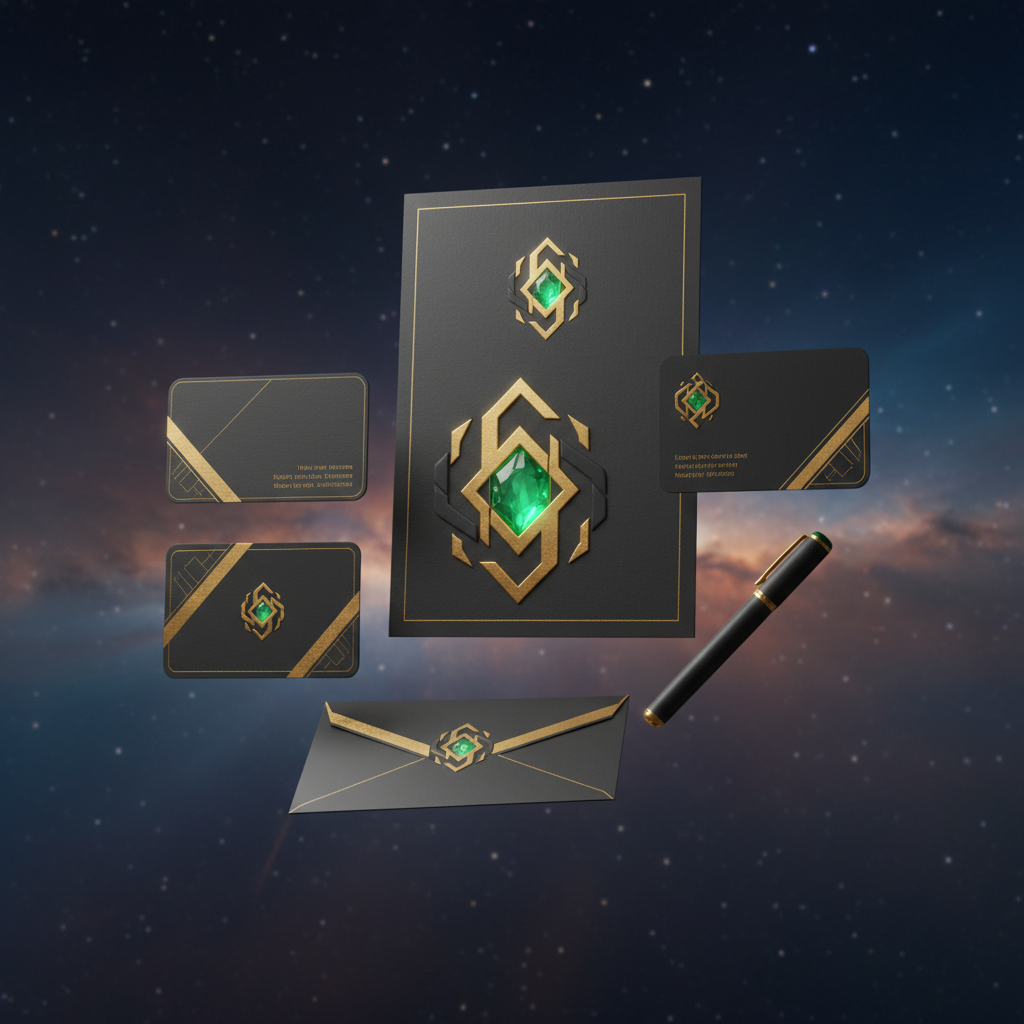
- Business cards, letterheads, and other stationery.
- Product packaging.
- Merchandise.
Remember, consistency is key. Use your new logo across all your brand touchpoints to build recognition and professionalism. You just created a truly professional ai graphic design asset, all by yourself. Pretty cool, isn't it?
Beyond the Logo: Building a Cohesive Brand Identity with Quby AI
A logo is a crucial cornerstone, absolutely. But it's just one part of a bigger picture: your entire brand identity. Think of your brand as a personality. The logo is like its face, but it also needs a voice, a wardrobe, and a consistent way of interacting with the world. For brand identity non designers, this usually sounds like a nightmare. How do you ensure everything looks good together without a dedicated design team?
This is where the true power of an ai design tool like Quby shines. It doesn't just stop at the logo; it can help you extend your visual language across all your marketing materials, ensuring everything feels cohesive and professional. It's about maintaining that "look and feel" you've worked so hard to create.
Consider your color palette. You picked some awesome colors for your logo, right? But what about the colors for your website background, your social media posts, or the accent colors in a presentation? Random choices make your brand look haphazard and unprofessional. Quby, as an intelligent ai graphic design companion, can suggest a full complementary color palette derived directly from your logo. These aren't just arbitrary colors; they're hues that are proven to work well together, ensuring visual harmony across all your assets. It takes the guesswork out of color theory.
Then there's typography. Your logo has specific fonts, but what about the body text on your blog, the headlines on your landing page, or the captions on Instagram? Using too many different fonts, or clashing ones, can make your brand seem messy and untrustworthy. Quby can guide you toward font pairings that complement your logo's style, giving you a consistent typographic voice that's easy to read and visually appealing. It helps you build a solid brand style guide, without you ever having to consult a design textbook.
What about other visual assets? You'll need social media banners, maybe some simple graphics for your blog posts, or even a template for a pitch deck. An ai design tool like Quby can often extend its capabilities to help you generate these too, ensuring they carry the same branding elements - colors, fonts, logo placement - as your main logo. This holistic approach is what transforms Quby from just an ai logo maker into a comprehensive canva alternative ai for building out your entire visual brand.
Imagine having a suite of design elements, all perfectly matched and ready to go. Your social media presence will look sharp. Your website will feel professional. Every communication will reinforce who you are. This level of consistency builds trust with your audience and makes your brand instantly recognizable, even for those without any prior design experience. It's about empowering you to control your brand's narrative, visually.
Future-Proofing Your Brand: AI Trends and Best Practices for 2026 and Beyond
So, you've mastered the art of AI logo design and built a cohesive brand identity. What's next for AI in the creative world, and how do you keep your brand fresh and relevant in the years to come? The pace of change is rapid, but there are some clear trends emerging that will shape the future of branding.
One major area is personalization at scale. Imagine logos that subtly adapt based on the user's location, time of day, or even their personal preferences. AI could soon generate dynamic brand elements that respond to context, creating a more tailored and engaging experience for each individual. We're already seeing glimpses of this with interactive ads, and it's only going to get more sophisticated. Your brand won't just be there; it will react.
Another exciting development is the rise of AI-powered brand governance. As your brand grows, maintaining consistency across dozens or hundreds of employees and marketing channels becomes a huge challenge. AI tools will increasingly monitor brand usage, flag inconsistencies, and even suggest improvements automatically, ensuring your brand message remains unified and strong, no matter how complex your organization gets.
We'll also see deeper integration with emerging technologies. Think about how your brand will appear in augmented reality (AR) or virtual reality (VR) environments. Will your logo animate when viewed through an AR filter? Will your brand colors adapt to different virtual spaces? AI will be instrumental in designing and deploying these experiences, making them accessible even to those without specialized 3D design skills.
But here's a crucial point: as powerful as AI becomes, it's still a tool. It enhances human creativity; it doesn't replace it. To truly future-proof your brand, here are some best practices that remain timeless, even in an AI-driven world:
- Know Your Audience (Still!): AI can help you design, but you still need to understand who you're designing for. What are their values? What problems do you solve for them? Your brand should speak directly to these insights.
- Keep It Simple and Scalable: A great logo, whether AI-generated or human-designed, should be simple enough to be memorable and versatile enough to work across all platforms and sizes. Can it be easily reproduced on a tiny app icon or a giant billboard?
- Don't Be Afraid to Experiment (Within Reason): AI gives you the power to iterate quickly. Use that to your advantage. Try different styles, test different color schemes, and see what resonates. Just remember to always come back to your core brand values.
- Consistency is Your Superpower: This cannot be overstated. Once you've established your logo, your colors, and your fonts, stick with them. Consistent branding builds recognition, trust, and ultimately, loyalty.
- Regularly Review and Refresh: The world changes, and so might your brand. What worked in 2024 might need a refresh in 2028. AI tools can even help you analyze your current brand's performance and suggest evolutionary tweaks.
Ultimately, AI is making design more accessible and efficient. It's empowering small businesses, entrepreneurs, and content creators to compete with bigger players on a visually professional level. Your brand's success in 2026 and beyond won't depend on whether you're a design expert, but on your vision, your authenticity, and your willingness to harness incredible tools like Quby to bring that vision to life.
Ready to see how easy and intuitive brand building can be with intelligent assistance? Give Quby a try and start shaping the future of your brand today.
Ready to Create with AI?
Put these techniques into practice with Quby's professional AI creative tools.
Launch Creative Suite