How to Create Stunning AI Product Photos for Free
Generate professional product photography without a studio, camera, or photographer. Perfect for e-commerce, social media, and marketing.
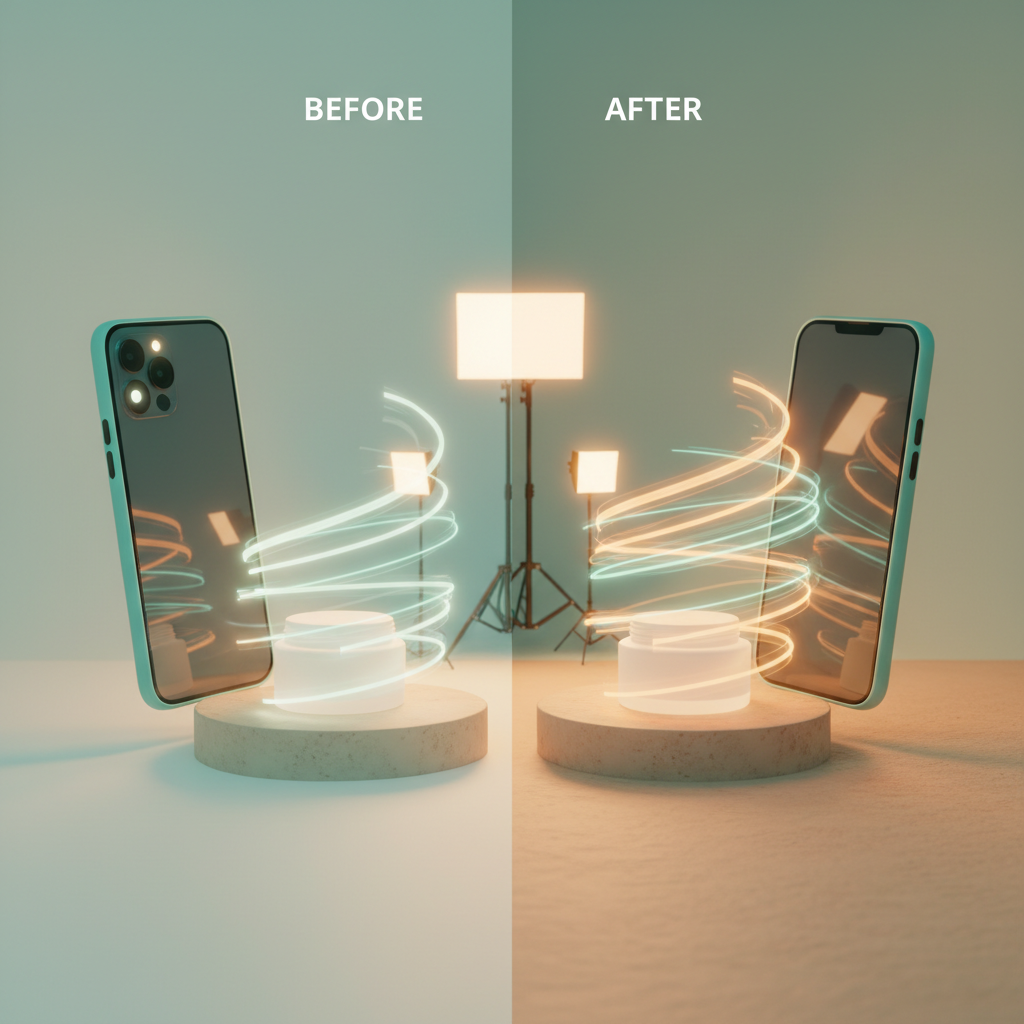
Professional Product Photography Without the Studio
Product photography is one of the biggest expenses for e-commerce businesses. A single product shoot can cost hundreds or thousands of dollars. AI product photography eliminates these costs while delivering comparable quality.
What You Need
- A simple photo of your product (even a phone photo works)
- A clear idea of the style you want
- Quby's Image Editor or Background Studio
Method 1: AI Background Replacement
The fastest way to create professional product photos:
- Photograph your product against any background
- Upload to Quby's Background Studio for instant background removal
- Generate a new background using AI - studio lighting, lifestyle scenes, seasonal themes
- Export in high resolution for your product listings
Popular Background Styles
- Clean white (Amazon, Shopify)
- Lifestyle context (social media)
- Gradient (modern branding)
- Themed seasonal (holiday marketing)
Method 2: Full AI Generation
No product photo at all? Generate the entire image from scratch:
- Describe your product in detail - shape, color, material, size
- Specify the setting - studio, lifestyle, flat-lay
- Choose your model - Gemini for photorealism, FLUX for artistic shots
- Iterate and refine until you get the perfect shot
Prompt Template for Product Photos
"Professional product photography of [product], [material/color], on [surface], [lighting type], [camera angle], commercial quality, 8K resolution"
Method 3: AI Upscaling
Got low-quality product images? Enhance them:
- Upload your existing product photo
- Select 4x upscaling for maximum detail
- Enable enhancement mode to improve lighting and sharpness
- Download the enhanced version
Tips for Best Results
Lighting Prompts
- "Soft studio lighting" for clean, even illumination
- "Dramatic side lighting" for luxury products
- "Natural window light" for organic/artisan products
- "Ring light" for beauty products
Angle Prompts
- "45-degree angle" for most products
- "Flat lay top-down" for accessories and small items
- "Hero shot low angle" for premium products
- "360-degree view" for detailed products
Platform-Specific Optimization
Amazon
- White background required for main image
- 2000x2000px minimum
- No text or watermarks
Shopify
- Consistent aspect ratios across catalog
- Lifestyle images for social proof
Instagram/Social
- Square format (1:1) for feed
- Vertical (4:5) for maximum screen coverage
Cost Comparison
| Method | Cost | Time | Quality |
|---|---|---|---|
| Professional studio | $200-500/product | 1-2 days | Excellent |
| DIY photography | $50-100 setup | Hours | Variable |
| AI generation | Free-$5/product | Minutes | Excellent |
Start Creating Product Photos
Open Quby's Image Editor, select a photorealistic model like Gemini or Imagen, and start generating professional product photography today.
Ready to Create with AI?
Put these techniques into practice with Quby's professional AI creative tools.
Launch Creative Suite