Build a Creator Feedback Loop That Ships Better Product Demos
Turn scattered comments into a repeatable system for improving product demos. This guide shows how to capture useful signals, choose the next edit, and keep creative judgment in control.
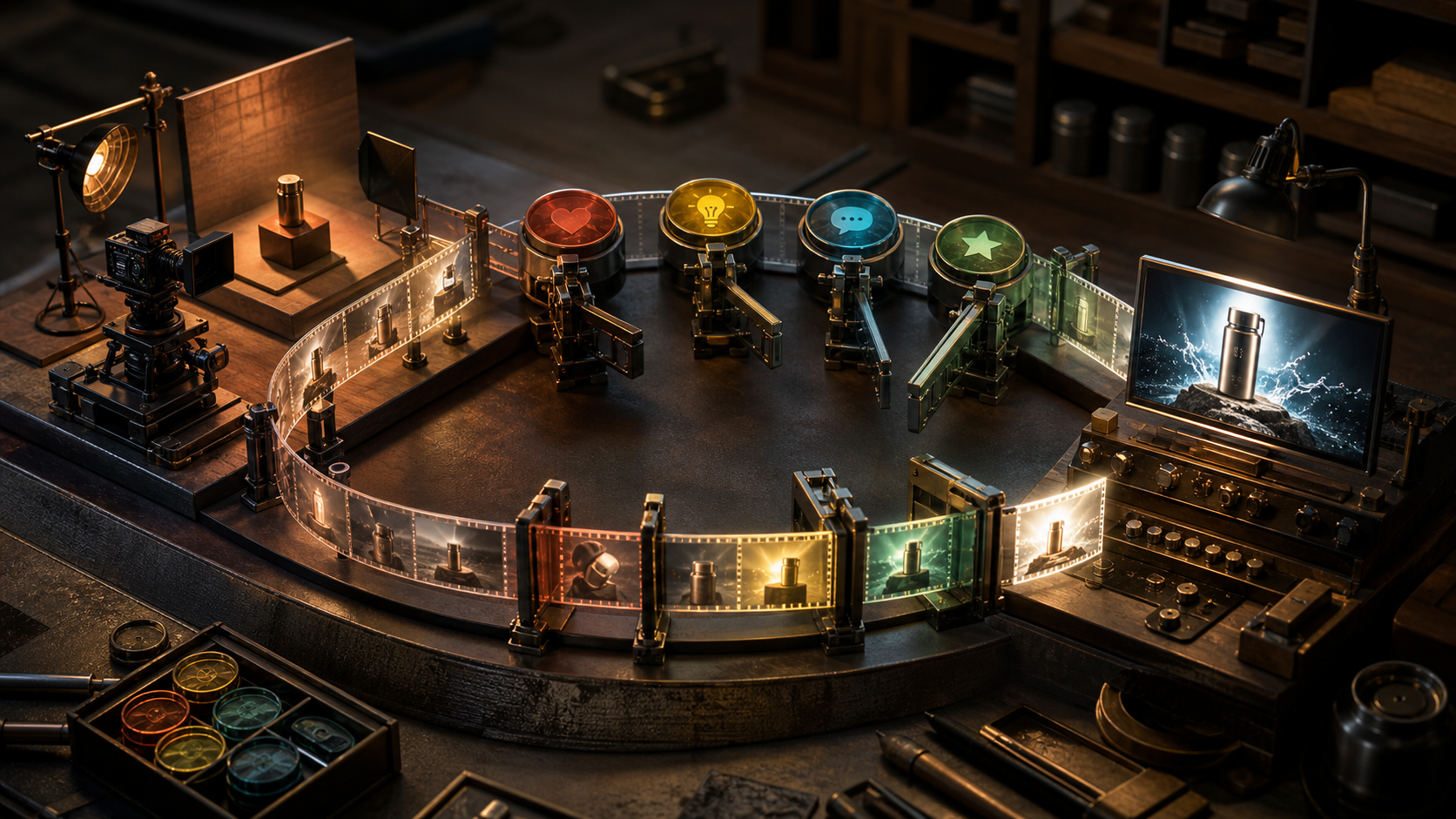
A product demo rarely fails because the creator forgot how to edit. It usually fails earlier: the opening does not establish stakes, the viewer cannot tell what changed, or the call to action arrives before the proof. The hard part is finding those problems quickly enough to fix them without turning every revision into a committee meeting. OpenAI's Cars24 case study describes a company using conversational AI to handle more customer interactions and help teams build faster. Creators can borrow the underlying pattern without copying the corporate machinery. Treat every comment, replay, support question, and abandoned viewing session as part of a conversation. Then turn those signals into a small, repeatable production loop. The goal is not to automate taste. It is to give your taste better evidence.
Start with one viewer promise
Before opening an editor, write the promise your demo must prove in one sentence. If the sentence contains three benefits, choose one. A focused promise makes feedback easier to interpret because every signal can be tested against the same target. Weak promise:
See how our new AI tools help you create content faster and improve your workflow. Useful promise: Turn one product photo into three publishable video concepts in ten minutes. The second promise gives you concrete proof points: one source image, three distinct concepts, publishable quality, and a ten minute constraint. Your demo can now succeed or fail visibly. Use this prompt to pressure-test the promise before production:
Act as a skeptical creator who has tried several AI video tools.
Review this demo promise: [paste promise].
List the three claims that need visual proof.
Flag any vague word that could disappoint the viewer.
Do not rewrite the promise until you explain what is weak.
Capture feedback as moments, not opinions
Comments such as "too slow" or "not convincing" are real signals, but they are poor edit instructions. Ask for the moment where confidence dropped. A timestamp and an expectation are much more useful than a general rating. Use four fields for each observation:
- Moment: The timestamp or step where the issue appeared.
- Expected: What the viewer thought would happen next.
- Observed: What the demo actually showed.
- Impact: Whether the mismatch hurt clarity, trust, pace, or desire. For example:
Moment: 00:18, after the source photo is uploaded
Expected: Immediate generation or a clear time estimate
Observed: Three settings screens with no explanation
Impact: Pace and trust
This structure prevents a common mistake: reacting to the loudest opinion instead of the clearest evidence. Five people asking what a button does is a clarity problem. One person disliking the color grade may be personal taste.
Build a compact signal inbox
Put signals from comments, direct messages, sales calls, support tickets, and watch data into one simple table. Do not start with a complex dashboard. A spreadsheet or project board with six columns is enough: source, moment, viewer expectation, observed problem, impact, and frequency. Normalize different wording into a shared issue. "Where is the result?", "show the output sooner", and a retention drop during setup can all point to delayed proof. Keep the original comments attached so the summary does not erase useful nuance. If you use Quby to develop concepts or assemble video variations, keep the feedback record beside the generation brief. That makes it easier to distinguish a prompt problem from an edit problem. A weak result may need a more specific generation prompt, while a strong result shown too late needs a timeline change.
Rank the next edit with three criteria
Not every signal deserves a revision. Score each candidate from one to three on these criteria:
- Frequency: How often does the issue appear?
- Damage: How much does it hurt the core promise?
- Edit cost: How quickly can you test a fix? Prioritize frequent, damaging problems with cheap tests. If viewers leave before seeing the generated result, moving the final clip into the first five seconds is a high-value edit. Rebuilding the entire visual identity because two comments called it plain is not. A practical decision rule is: fix comprehension before polish, proof before personality, and pacing before extra features. Once viewers understand and believe the outcome, style choices have room to work.
Generate variations around one hypothesis
A revision should answer a question. Avoid producing five random versions and choosing the one that feels busiest. Change one meaningful variable at a time. Hypothesis:
Showing the final result before setup will improve early retention because viewers can judge the payoff immediately. Variation prompts:
Create a 20-second product demo outline.
Open with the finished video for three seconds.
Then reveal the original product photo and the two key creation steps.
End by replaying the finished result.
Use short shot descriptions and no voiceover copy.
Create a 20-second product demo outline.
Open with a side-by-side comparison of the source photo and finished video.
Label no interface elements.
Use camera movement and sequencing to make the transformation obvious.
Show only the two settings that materially affect the result.
In Quby, you can turn each outline into a separate concept while holding the source asset, duration, and visual goal constant. Compare the opening structure, not unrelated changes in model, aspect ratio, music, and color. Controlled variations teach you something reusable. Random variations only give you more files.
Add a human review gate
Conversational systems can summarize feedback and propose edits, but a creator should approve the interpretation before production. Review the proposed change against four questions:
- Does it support the original viewer promise?
- Is it based on repeated evidence or one unusual reaction?
- Could the fix introduce a new misunderstanding?
- Will the test produce a clear result? This gate protects distinctive creative choices. Sometimes a slow opening is intentional because the audience already knows the product. Sometimes a rough handheld shot builds more trust than a polished render. Evidence informs the decision, but context decides it.
Run a 30-minute revision cycle
For a small demo, use this bounded routine:
- Spend five minutes collecting the strongest signals.
- Spend five minutes grouping them into clarity, trust, pace, and desire.
- Spend five minutes choosing one hypothesis.
- Spend ten minutes creating one controlled variation.
- Spend five minutes reviewing it against the promise. Stop after one cycle and publish the test to a small audience or internal group. Record what changed and what stayed fixed. Without that note, you may attribute improvement to the wrong variable. A useful test log looks like this:
Changed: Final result moved from 00:22 to 00:02
Held constant: Runtime, voiceover, source image, music, CTA
Measure: Five-second retention and comments asking what the product does
Decision window: First 500 qualified views
Know when the loop is working
The loop is healthy when revision decisions get narrower and faster. Viewers should ask fewer basic comprehension questions. Your team should be able to explain why a cut changed without appealing only to preference. The same lesson should also transfer to the next demo. Watch for failure modes. If every comment creates a new version, your intake has no filter. If summaries replace original viewer language, you may miss the emotion behind the problem. If automation publishes revisions without review, small misunderstandings can multiply. And if you change several variables at once, improved metrics will not tell you what worked. The useful lesson from scaled conversational systems is simple: speed comes from organizing feedback into decisions, not from generating more output. Start with one promise, capture moments, rank the evidence, and test one hypothesis. If you want a focused place to build those controlled video concepts, try the Quby Video Studio with a single source asset and two opening variations. Keep the better lesson, not just the better clip.
Ready to Create with AI?
Put these techniques into practice with Quby's professional AI creative tools.
Launch Creative Suite