AI Voice Cloning: How to Clone Voices Ethically and Effectively
Master AI voice cloning for content creation, localization, and accessibility. Learn the technology, best practices, and ethical considerations.
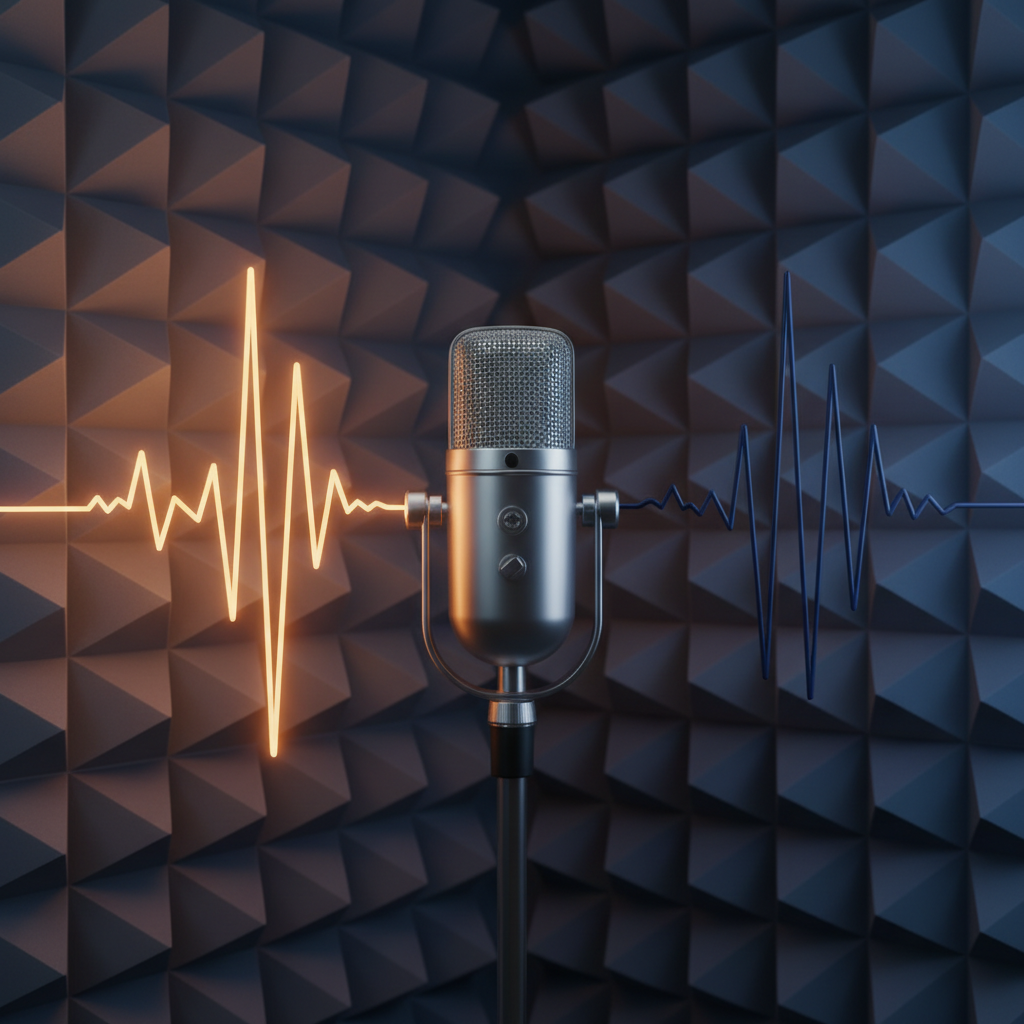
Understanding AI Voice Cloning
AI voice cloning technology can replicate a person's voice from audio samples, enabling text-to-speech in that unique voice. This powerful technology has transformative applications when used responsibly.
How Voice Cloning Works
Modern voice cloning AI analyzes:
- Vocal tone and pitch patterns
- Speaking rhythm and cadence
- Pronunciation characteristics
- Emotional expression patterns
From a few minutes of sample audio, AI can generate unlimited new speech in that voice.
Legitimate Use Cases
Content Localization
Dub content into multiple languages while maintaining the original speaker's voice characteristics.
Accessibility
Create personalized voices for individuals who have lost their ability to speak, preserving their vocal identity.
Content Creation
Podcasters and video creators can efficiently produce content without recording every take.
Getting Started
1. Prepare Sample Audio
For best results:
- Use 5-10 minutes of clear audio
- Record in a quiet environment
- Include varied intonation and emotion
- Ensure consistent audio quality
2. Upload and Train
The AI processes your samples to create a voice model. This typically takes minutes.
Ethical Guidelines
Always Get Consent
Never clone someone's voice without explicit permission. This is both ethical and legally important.
Disclose AI-Generated Content
Be transparent when using cloned voices in public content.
Start Voice Cloning
Quby's Voice Cloner provides ethical, high-quality voice cloning with built-in consent workflows and usage guidelines.
Ready to Create with AI?
Put these techniques into practice with Quby's professional AI creative tools.
Launch Creative Suite