AI Video Generation for Beginners: Create Professional Videos
Learn how to create stunning videos using AI - from text-to-video generation to intelligent editing. Perfect for content creators, marketers, and businesses.
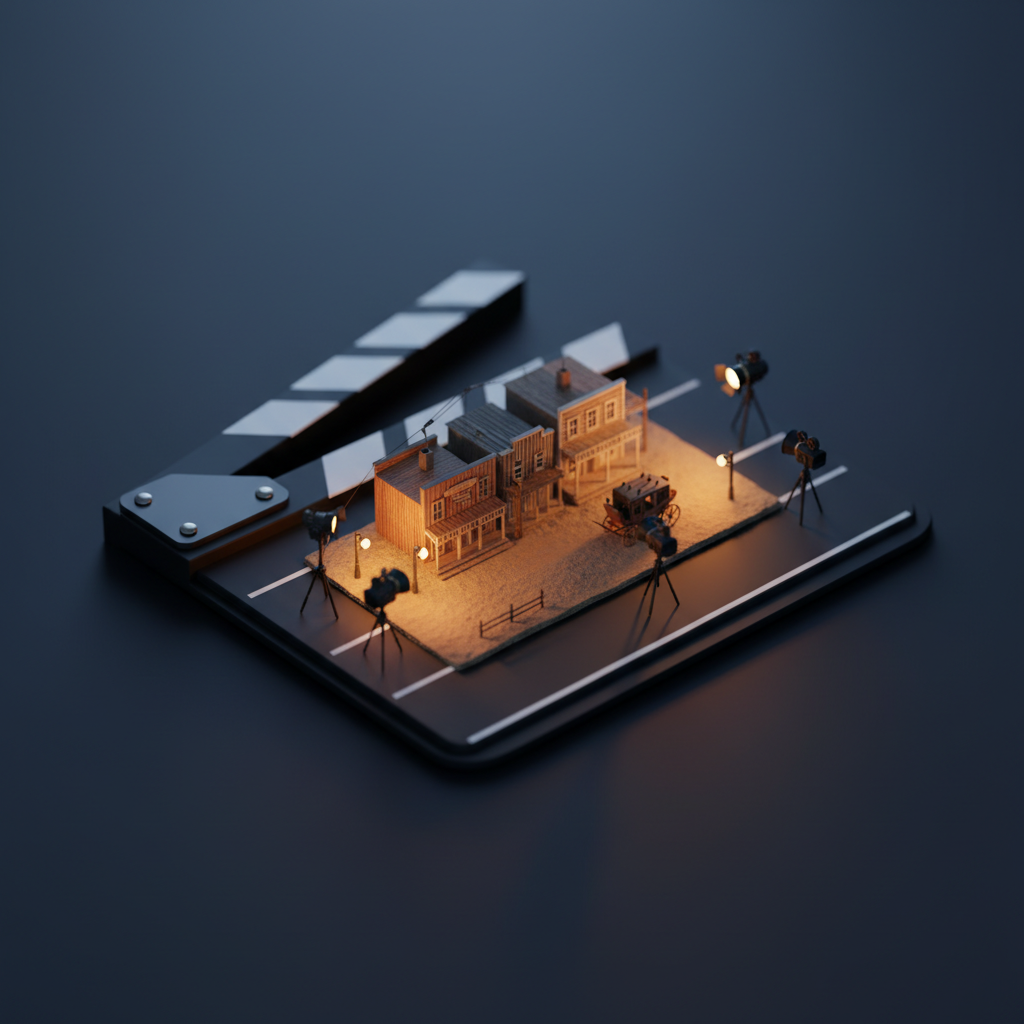
The AI Video Revolution
Video content drives engagement across every platform. But traditional video production is expensive and time-consuming. AI video generation is democratizing professional video creation.
Types of AI Video Generation
Text-to-Video
Transform written scripts or descriptions directly into video content. Ideal for:
- Explainer videos
- Social media content
- Product demonstrations
- Educational materials
Image-to-Video
Animate static images with realistic motion:
- Product animations
- Character movement
- Dynamic presentations
- Social media reels
AI Video Editing
Enhance existing footage with AI:
- Automatic scene detection
- Smart trimming and pacing
- AI color grading
- Background replacement in video
Creating Your First AI Video
Step 1: Concept and Script
Start with a clear vision:
- Define your message and audience
- Write a detailed script or description
- Identify key visual moments
- Plan for appropriate length (15-60 seconds works best)
Step 2: Generation
Input your script or images into the AI. Be specific about:
- Visual style (cinematic, cartoon, professional)
- Movement type (slow, dynamic, static)
- Camera angles (wide, close-up, tracking)
- Mood (energetic, calm, dramatic)
Best Practices
Keep Clips Short
AI works best with 3-10 second clips. Create longer videos by combining multiple short generations.
Consistent Style
Use consistent prompting to maintain visual coherence across scenes.
Start Creating Videos
Quby's Video Studio combines text-to-video, image-to-video, and AI editing in one powerful platform. Create professional videos in minutes.
Ready to Create with AI?
Put these techniques into practice with Quby's professional AI creative tools.
Launch Creative Suite