AI Skill Stack Audit for Creator Teams in 2026
OpenAI's latest workforce map is useful for creators because it turns AI change into a planning exercise. Use this guide to audit your skills, prompts, tools, and review checkpoints before you spend credits on new content.
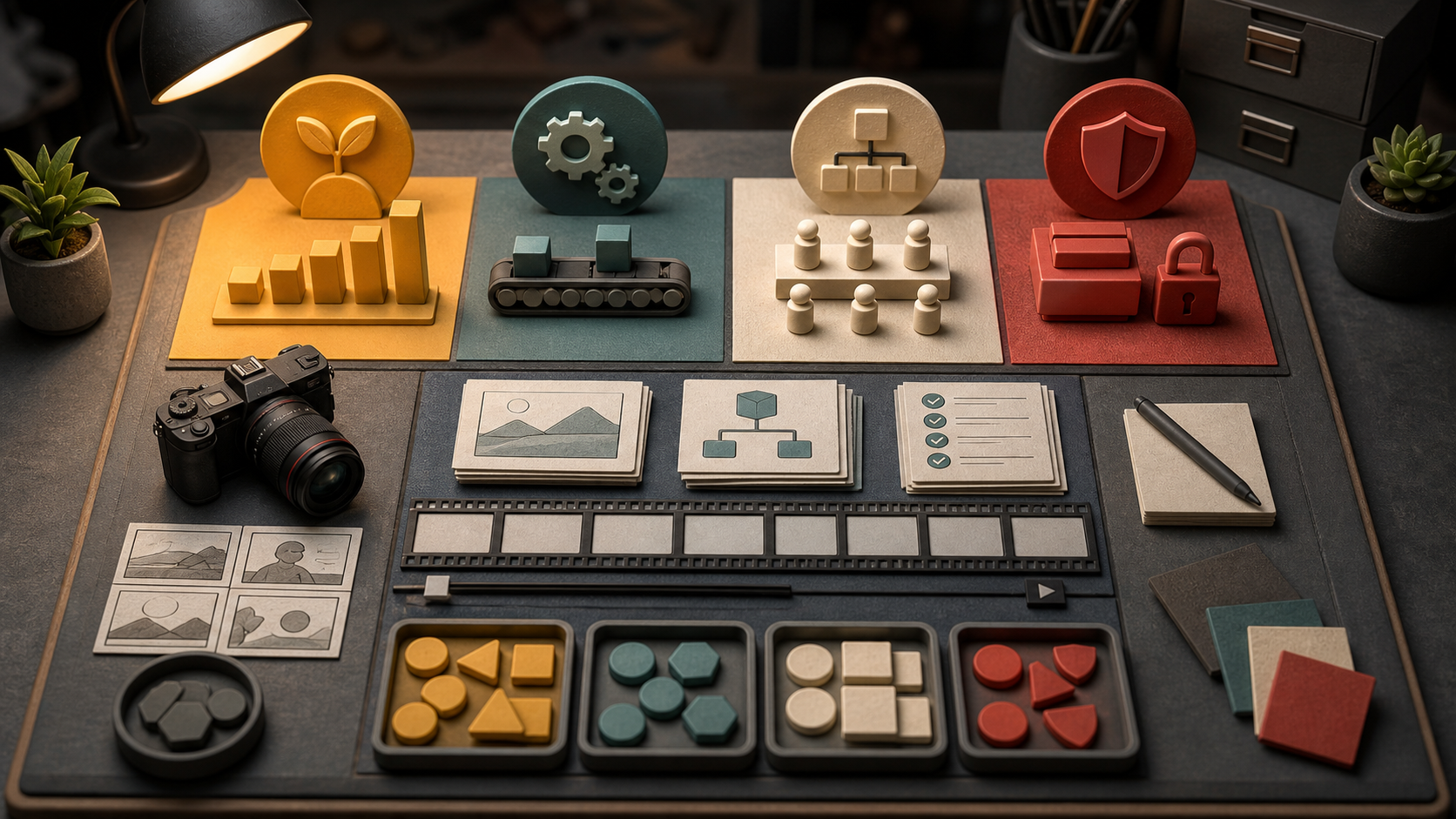
AI Skill Stack Audit for Creator Teams
OpenAI's June 29, 2026 workforce map is not a creator tool launch, but it is still useful for anyone making videos, images, ads, tutorials, product demos, or social content. The report groups work into buckets where AI may grow demand, automate some tasks, reorganize workflows, or cause less immediate change. That is a better way to think than asking whether AI will replace a job. For creators, the real question is which parts of the work should be delegated, which parts should be reviewed harder, and which human skills now matter more. Most creator work sits in the reorganize bucket. AI can draft hooks, generate stills, suggest shot lists, clean up images, test voice lines, and build first video passes. It does not automatically know the offer, the audience, the brand risk, the client history, or why one visual proof point is stronger than another. That means the skill stack changes. You need less time spent on blank page work and more skill in briefing, asset selection, prompt testing, review, and final assembly. A skill stack audit is a simple way to adjust without chasing every new model. It lists the jobs in your workflow, decides what AI should handle, and sets quality checks before you generate. If you use Quby or any other creative studio, the audit also helps you avoid opening the most expensive tool too early.
Map the workflow by decisions
Do not start the audit with a list of tools. Start with decisions. A product demo creator makes decisions like these:
- What is the promise?
- Who needs to understand it?
- What visual proof will make it believable?
- Which asset should anchor the scene?
- Does the output need voice, captions, motion, or only a still?
- What failure would make the result unusable? Tools come after those decisions. A text model can help shape the promise. An image model can build a clean reference frame. A video model can test motion. An editor can trim, caption, and package the result. But the order only works if each step has a job. Use this prompt to map a workflow:
Audit this creator workflow for a 12 second product demo.
Classify each step as human judgment, AI draft, AI edit, or final approval.
For each AI step, name the input asset, output format, quality check, and failure mode.
Keep the result practical for a solo creator with one afternoon.
The answer should show where AI saves time and where human review is still needed. If it says AI should decide the audience, the product claim, and the final approval, push back. Those are high judgment steps.
Sort tasks into four buckets
Use four buckets inspired by the workforce map. Grow tasks are tasks that become more valuable when AI lowers the cost of production. Example: making three versions of a product demo for different buyer groups. The old workflow made that too slow. Now it is realistic. Automate tasks are repetitive and easy to check. Example: resizing formats, generating caption drafts, creating first pass thumbnails, cleaning a background, or making naming conventions. Reorganize tasks still need a human, but the order changes. Example: a creator may brief five video concepts first, generate one still for each, and only then choose which concept deserves video credits. Protect tasks should stay under human control. Example: claims, pricing, sensitive visuals, likeness use, client approvals, legal disclaimers, and final brand fit. Write your own list before you open a model. This keeps you from using AI where the cost of a mistake is high.
Build a three layer creator stack
A practical creator stack has three layers: strategy, production, and review. Strategy includes audience, promise, concept, offer, and channel. AI can help brainstorm, but a human should choose. The strongest strategy prompt asks for options and tradeoffs, not a finished campaign.
Create three product demo angles for this offer.
For each angle, list the viewer, first 3 second hook, visual proof, risk, and why it might fail.
Do not write the final script yet.
Production includes image references, video prompts, voice lines, captions, edits, and exports. This is where Quby Video Studio can help because stills, clips, prompts, and edits stay close together instead of becoming scattered downloads.
Turn the approved angle into a shot plan.
Use one physical action per shot.
Name the camera move, subject placement, background, sound source, and final frame.
Avoid abstract style words.
Review includes factual checks, asset checks, timing checks, brand checks, and edit value. This is the layer most creators underbuild. A good review pass saves credits because it tells you what to fix before the next generation.
Review this generated clip against the brief.
Score subject accuracy, first 3 second clarity, motion control, sound match, and final frame usefulness.
Give one prompt change only.
Decide when to spend video credits
Video generation is where weak planning gets expensive. Before spending credits, ask five yes or no questions.
- Is the main subject visible and easy to identify?
- Does the first action happen within 3 seconds?
- Is there one camera move or a locked camera?
- Is the sound described as sources, not mood?
- Is the ending frame useful for an edit or thumbnail? If two answers are no, do not generate yet. Fix the brief or make a still first. If one answer is no, generate only if the failure is low risk. For example, a rough internal concept can tolerate weaker sound, but a paid ad cannot tolerate a vague claim. This is also a good place to use a small prompt ladder. Start with a concept prompt, then a still image prompt, then a video prompt, then a review prompt. The ladder is slower than typing one giant request, but it makes errors easier to diagnose.
Audit your prompts like assets
A prompt is not just text. It is a reusable production asset. Store your best prompts with a label, input type, output type, and known weakness. Example prompt record:
Name: product demo shot plan
Input: offer, product photo, target audience
Output: 3 shot plan for 12 second video
Works best for: simple physical products
Weakness: needs manual review for claims and pricing
Next step: turn selected shot into image reference prompt
This is boring in the best way. It stops your process from resetting every time a new model appears. When a new video model arrives, you test the same prompt record against it and compare results. The skill is not memorizing model names. The skill is knowing what each prompt is supposed to accomplish.
A 30 minute audit template
Use this once a month or before a campaign. First 5 minutes: list the outputs you make most often. Product demo, launch image, ad variation, tutorial intro, thumbnail, voiceover, or short clip. Next 10 minutes: pick one output and break it into steps. Mark each step as grow, automate, reorganize, or protect. Next 10 minutes: write one prompt for each AI step. Each prompt should include input, output, constraints, and a quality check. Last 5 minutes: choose one step to improve this week. Do not rebuild the whole system. Improve the step that wastes the most credits or creates the most revisions. Near the end of your next project, try running this audit before you generate. Quby can be the place where you test the brief, still frame, video prompt, and review loop together, but the core habit matters more than the tool. Treat AI as a set of workers with narrow jobs, not as one giant magic box. The creators who adapt fastest will be the ones who know which decisions to keep, which tasks to delegate, and which checks prevent expensive mistakes.
Ready to Create with AI?
Put these techniques into practice with Quby's professional AI creative tools.
Launch Creative Suite