AI Pixel Art Generator: Create Retro Game Graphics
Generate authentic pixel art for games, NFTs, and retro-style projects. From character sprites to tilesets.
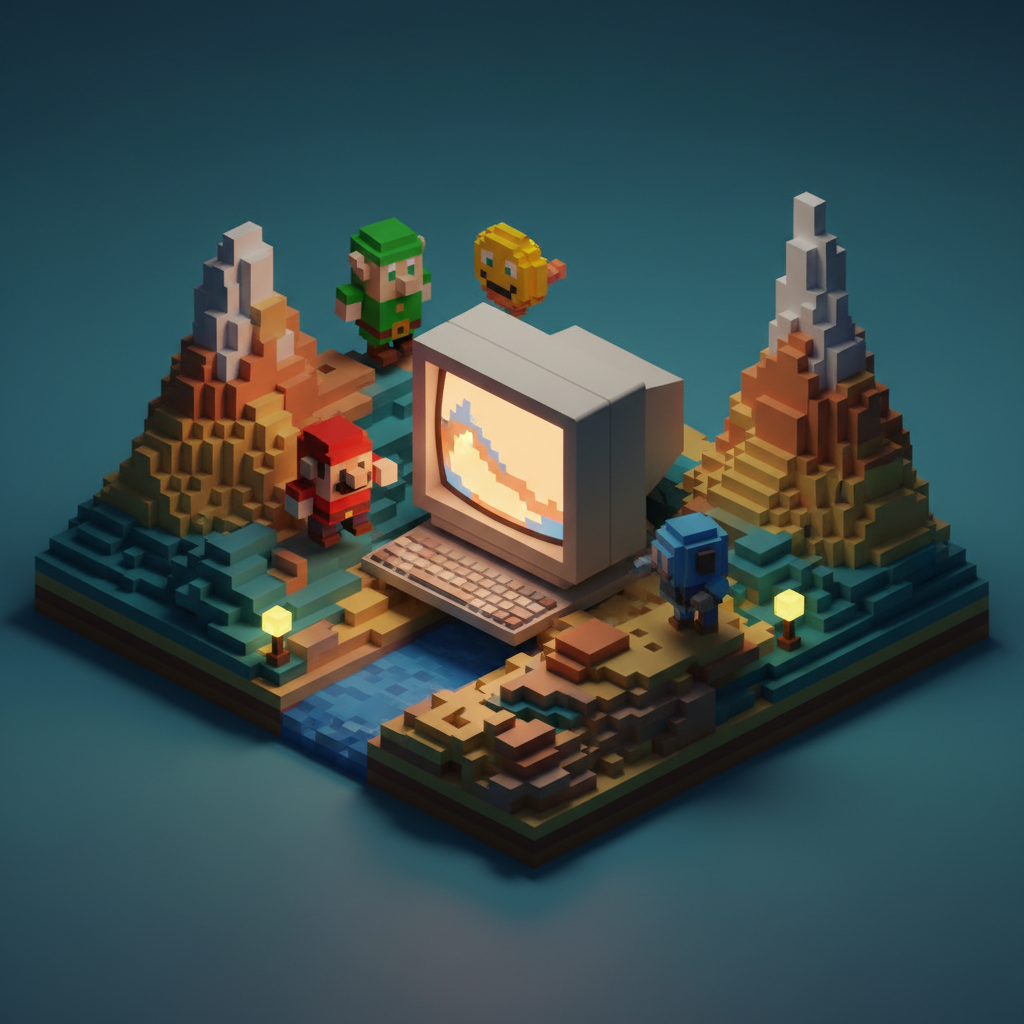
Pixel Art in the AI Age
Pixel art has evolved from technical necessity to beloved aesthetic. AI pixel art generators create authentic retro-style graphics.
Pixel Art Styles
8-Bit Style
Classic NES/Game Boy aesthetic with very limited palettes (4-16 colors), small canvas sizes, and simple forms.
16-Bit Style
SNES/Genesis era with larger palettes, more detail possible, and smooth gradients.
Modern Pixel Art
Contemporary interpretation with flexible palettes, higher resolutions, and stylized aesthetics.
What You Can Create
Game Assets
Character sprites, environment tilesets, items and icons, and UI elements.
Illustrations
Portraits, scenes, landscapes, and abstract art.
Animations
Character movements, effect animations, and UI feedback.
Creating Authentic Pixel Art
Resolution Matters
Specify dimensions:
- 16x16 for small icons
- 32x32 for character sprites
- 64x64 for detailed sprites
- Larger for scene work
Palette Constraints
Authentic pixel art uses limited colors. Define color count, consistent palette, no anti-aliasing, and deliberate dithering.
Create Pixel Art
Quby's Pixel Art generator creates authentic retro-style graphics.
Ready to Create with AI?
Put these techniques into practice with Quby's professional AI creative tools.
Launch Creative Suite