AI Interior Design: Transform Any Room in Seconds
Use AI to redesign rooms, stage properties, and visualize renovations. See your space transformed with different styles instantly.
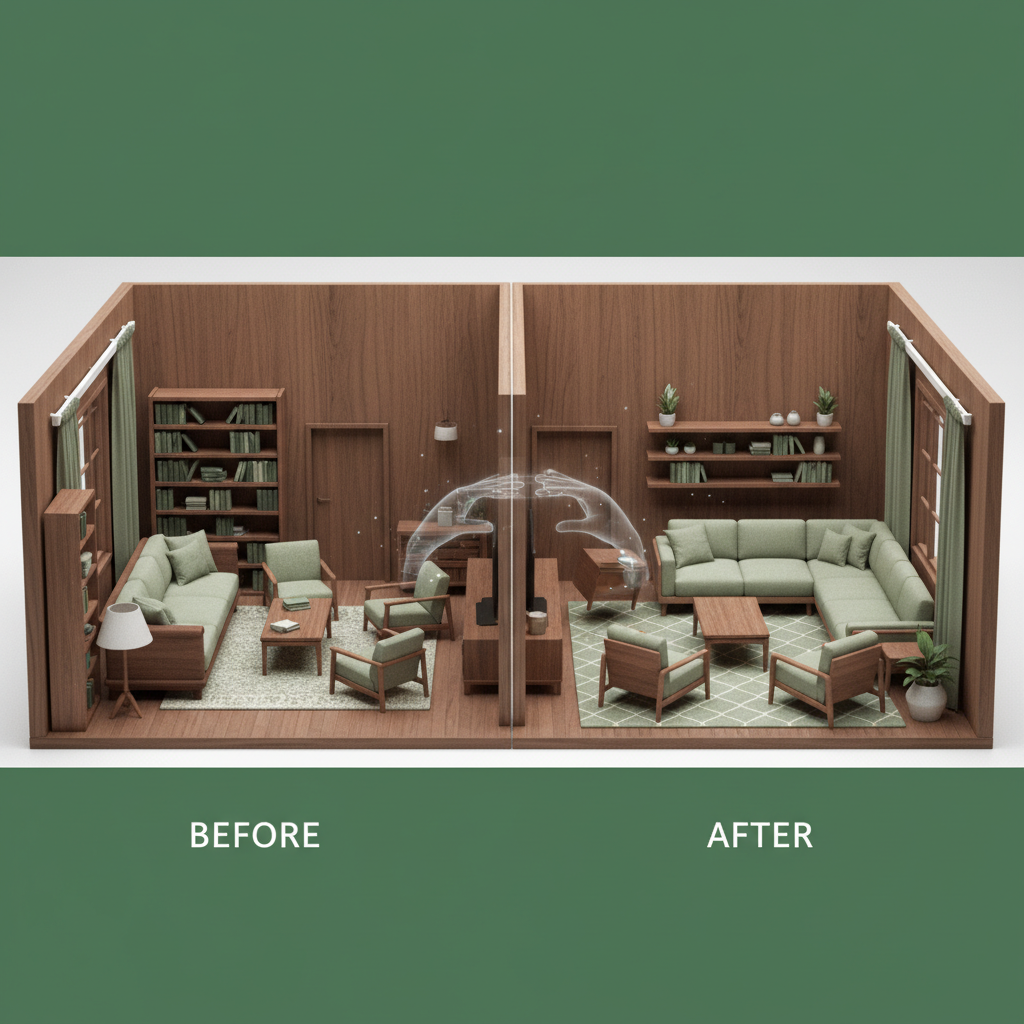
AI-Powered Interior Design
Visualizing room transformations used to require expensive designers or complex 3D software. AI interior design tools now let anyone see their space reimagined in seconds.
How AI Interior Design Works
Upload a photo of any room, and AI can:
- Change furniture and decor
- Apply different design styles
- Modify wall colors and finishes
- Add or remove architectural elements
- Stage empty rooms
Popular Applications
Real Estate Virtual Staging
Empty properties sell slower. Virtual staging helps buyers visualize potential without physical furniture.
Pre-Renovation Visualization
Before committing to renovations, test paint colors, preview flooring changes, and visualize kitchen remodels.
Personal Home Design
Redesign your space without commitment by exploring different styles (modern, farmhouse, minimalist).
Getting Great Results
Photo Requirements
For best results:
- Use well-lit photos
- Capture the full room
- Include perspective showing depth
- Avoid extreme angles
Style Selection
Be specific about desired style:
- Modern: Clean lines, minimal decor, neutral colors
- Scandinavian: Light woods, cozy textiles, functional
- Industrial: Exposed materials, metal accents, open concept
- Bohemian: Colorful, layered, eclectic
- Minimalist: Simple, uncluttered, intentional
Transform Your Space
See your room transformed with Quby's AI Interior Designer. Upload a photo and explore endless design possibilities.
Ready to Create with AI?
Put these techniques into practice with Quby's professional AI creative tools.
Launch Creative Suite