AI Image Upscaler: Enhance Photos to 4K Quality
Learn how AI upscaling transforms low-resolution images into stunning high-definition photos. Perfect for printing, social media, and professional use.
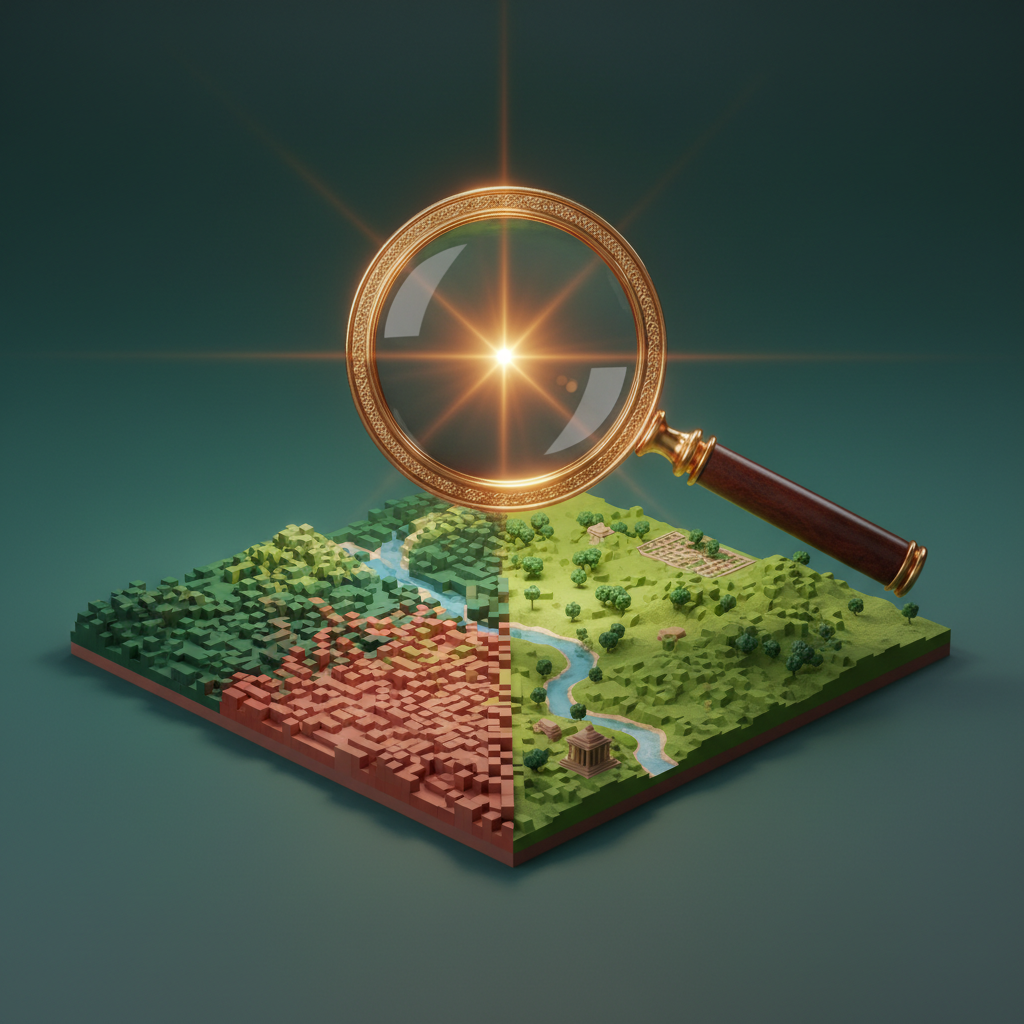
Why AI Upscaling Matters
Traditional image enlargement just stretches pixels, creating blurry results. AI upscaling intelligently adds detail and sharpness, creating genuinely enhanced images.
How AI Upscaling Works
Modern upscalers use neural networks trained on millions of high-resolution images to:
- Predict and add realistic detail
- Sharpen edges without artifacts
- Enhance textures naturally
- Reduce noise and compression artifacts
When to Use AI Upscaling
Print Production
Low-resolution web images often need upscaling for print materials like brochures, posters, and packaging.
Social Media
Platform-specific requirements often demand higher resolution for optimal display.
E-commerce
Product images need to look sharp at any zoom level for customer confidence.
Archive Restoration
Bring old photos back to life by enhancing family photos, historical images, and scanned documents.
Getting Optimal Results
Source Quality Matters
Start with the best available source:
- Original files beat compressed versions
- RAW or TIFF over JPEG when possible
- Avoid previously upscaled images
Scale Factor Selection
Choose appropriate upscaling:
- 2x: Good for minor enhancements
- 4x: Standard for most uses
- 8x: Maximum for small sources
Upscale Your Images
Quby's AI Upscaler transforms low-resolution images into stunning high-quality photos. No technical skills required.
Ready to Create with AI?
Put these techniques into practice with Quby's professional AI creative tools.
Launch Creative Suite