The Complete Guide to AI Image Generation in 2026
From Gemini to FLUX, discover how the latest AI models are transforming creative workflows. Learn best practices for prompting, styling, and achieving professional results.
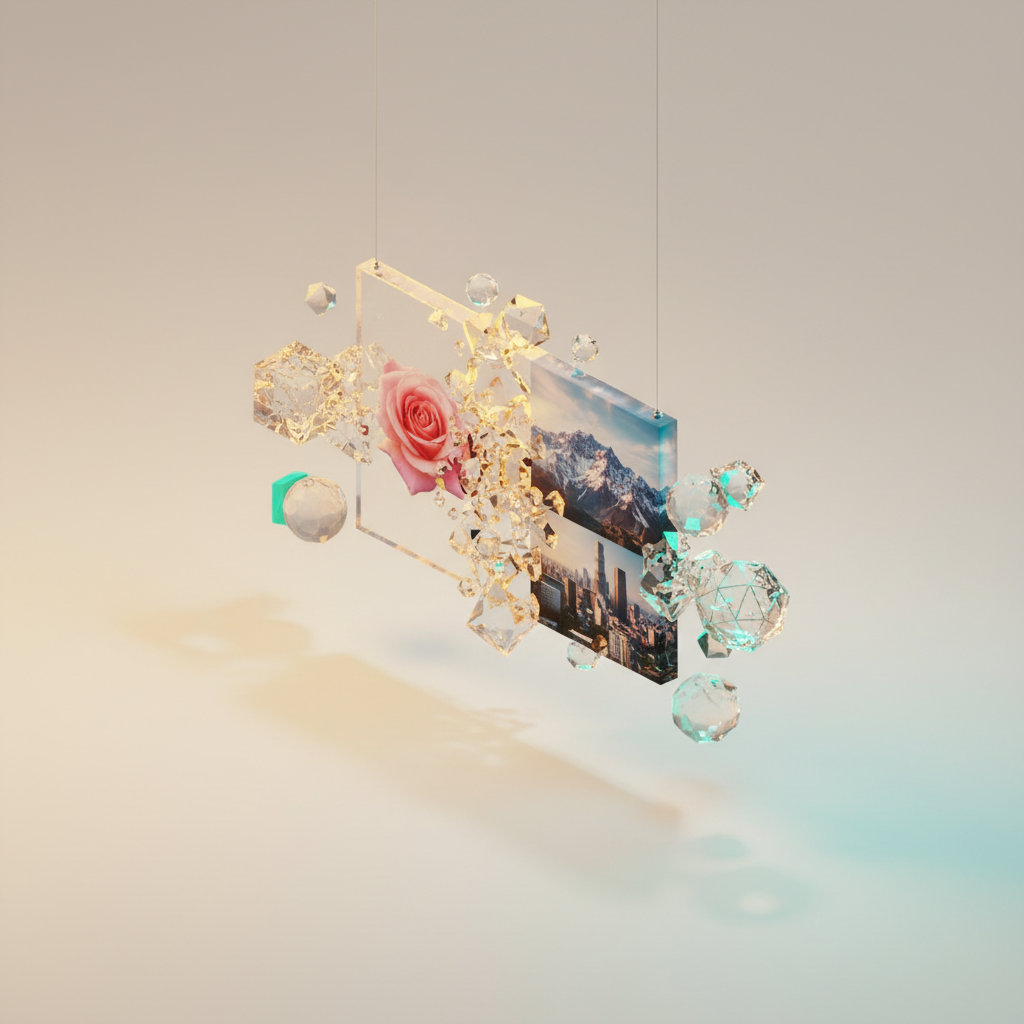
Introduction to AI Image Generation
The landscape of AI image generation has evolved dramatically. In 2025, we're seeing unprecedented quality and control in AI-generated imagery. Whether you're a designer, marketer, or content creator, understanding these tools is essential for staying competitive.
Understanding the Latest Models
Gemini 2.5 Flash Image
Google's Gemini models have become the go-to for many professional workflows. The Flash variant offers an excellent balance of speed and quality, making it perfect for iterative design work.
Best for:
- Quick concept iterations
- Social media content
- Product mockups
Imagen 4.0
For photorealistic results, Imagen 4.0 sets the standard. It excels at understanding complex prompts and generating images with accurate lighting, textures, and compositions.
Best for:
- Marketing materials
- Product photography simulation
- Architectural visualization
FLUX and Open-Source Alternatives
The open-source community continues to push boundaries. Models like FLUX offer flexibility and customization options that commercial APIs can't match.
Mastering Prompt Engineering
The key to great AI-generated images lies in your prompts. Here's a framework that consistently produces professional results:
The SPICE Framework
- Subject - What is the main focus?
- Properties - Describe characteristics (color, size, material)
- Interaction - How does the subject interact with the environment?
- Context - Where is this taking place?
- Extras - Technical specifications (lighting, camera angle, style)
Professional Workflows
Batch Processing
For consistent brand imagery, establish a prompt template and generate variations. Quby's integrated platform makes this seamless with batch generation capabilities.
Iterative Refinement
Start broad and refine through multiple rounds of generation, selecting the best outputs at each stage.
Get Started Today
Ready to transform your creative workflow? Launch Quby's Image Editor and experience the power of AI image generation firsthand.
Ready to Create with AI?
Put these techniques into practice with Quby's professional AI creative tools.
Launch Creative Suite