AI Image Editor: Professional Photo Editing Made Simple
Edit photos like a pro with AI-powered tools. From basic adjustments to advanced manipulations, all with intelligent assistance.
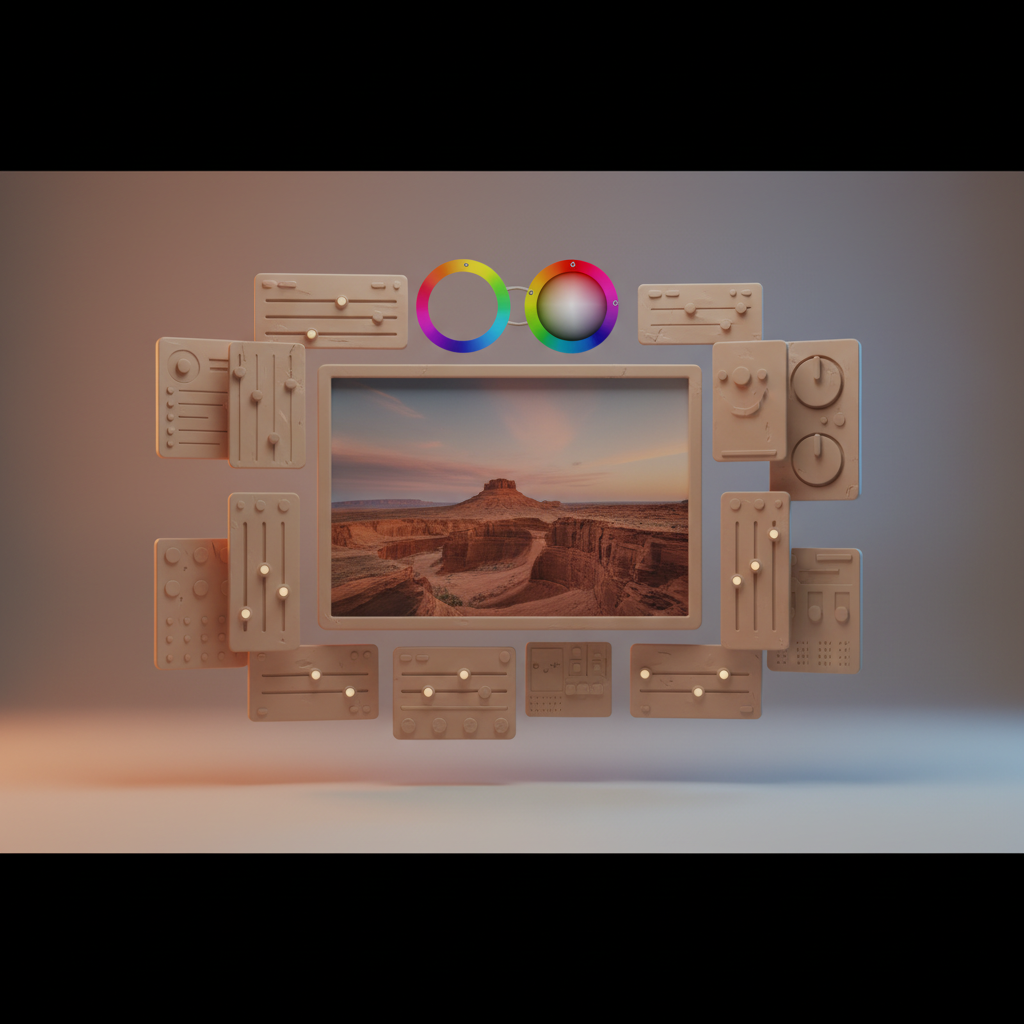
Photo Editing Reimagined
AI image editing combines traditional tools with intelligent automation for professional results.
AI-Powered Features
Object Removal
Remove unwanted elements seamlessly including people in backgrounds, distracting objects, blemishes, and watermarks.
Intelligent Adjustments
AI optimizes automatically including exposure and lighting, color balance, sharpness and detail, and noise reduction.
Generative Fill
Expand or replace image areas by extending backgrounds, replacing objects, filling gaps, and imagining new elements.
Style Transfer
Apply artistic styles including painting effects, vintage looks, cinematic grades, and custom aesthetics.
Professional Workflows
Portrait Enhancement
Skin smoothing, eye enhancement, teeth whitening, and hair adjustments.
Product Photography
Background replacement, shadow correction, color accuracy, and detail enhancement.
Landscape Editing
Sky replacement, color enhancement, detail recovery, and perspective correction.
Getting Started
Basic Editing Flow
- Upload your image
- Apply AI enhancements
- Make manual adjustments
- Export final result
Edit Your Images
Quby's AI Image Editor provides professional photo editing with intelligent assistance.
Ready to Create with AI?
Put these techniques into practice with Quby's professional AI creative tools.
Launch Creative Suite