AI Icon Generator: Create App Icons and UI Icons
Design professional app icons and icon sets with AI. Create consistent iconography for apps, websites, and interfaces.
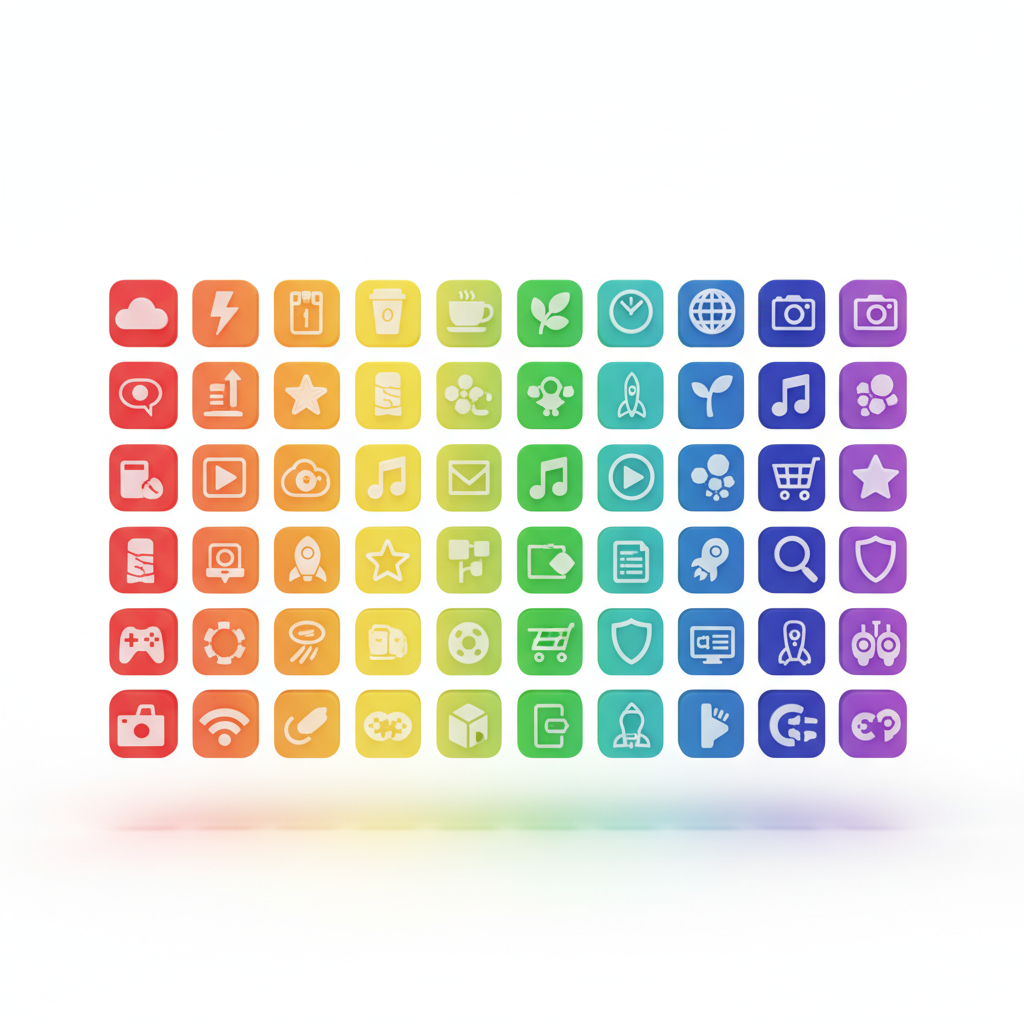
Professional Icons in Seconds
Icons are essential for apps, websites, and user interfaces. AI icon generators now produce professional iconography instantly.
Types of Icons
App Icons
The face of your application including iOS and Android app icons, web app favicons, and desktop icons.
UI Icons
Interface elements including navigation icons, action buttons, status indicators, and feature icons.
Icon Sets
Consistent collections with complete icon families, matching style and weight, and scalable designs.
Creating Effective Icons
Describe Your Icon
Provide clear descriptions including subject/concept, style (filled, outline, flat), color scheme, and context/usage.
Style Consistency
For icon sets, maintain consistent stroke weights, matching corner radii, similar complexity levels, and unified grid system.
Platform Requirements
Consider guidelines from iOS Human Interface Guidelines, Material Design specifications, and brand style requirements.
App Icon Best Practices
Simplicity
App icons must be recognizable at small sizes with a single clear concept, limited detail, and bold shapes.
Color
Strategic color use with 1-3 colors maximum, consideration of competitors, and brand alignment.
Create Your Icons
Quby's Icon Generator creates professional icons for any application.
Ready to Create with AI?
Put these techniques into practice with Quby's professional AI creative tools.
Launch Creative Suite