Design Professional Business Cards with AI in Minutes
Create stunning business card designs with AI generation. Choose from professional templates, customize with your brand, and export print-ready files.
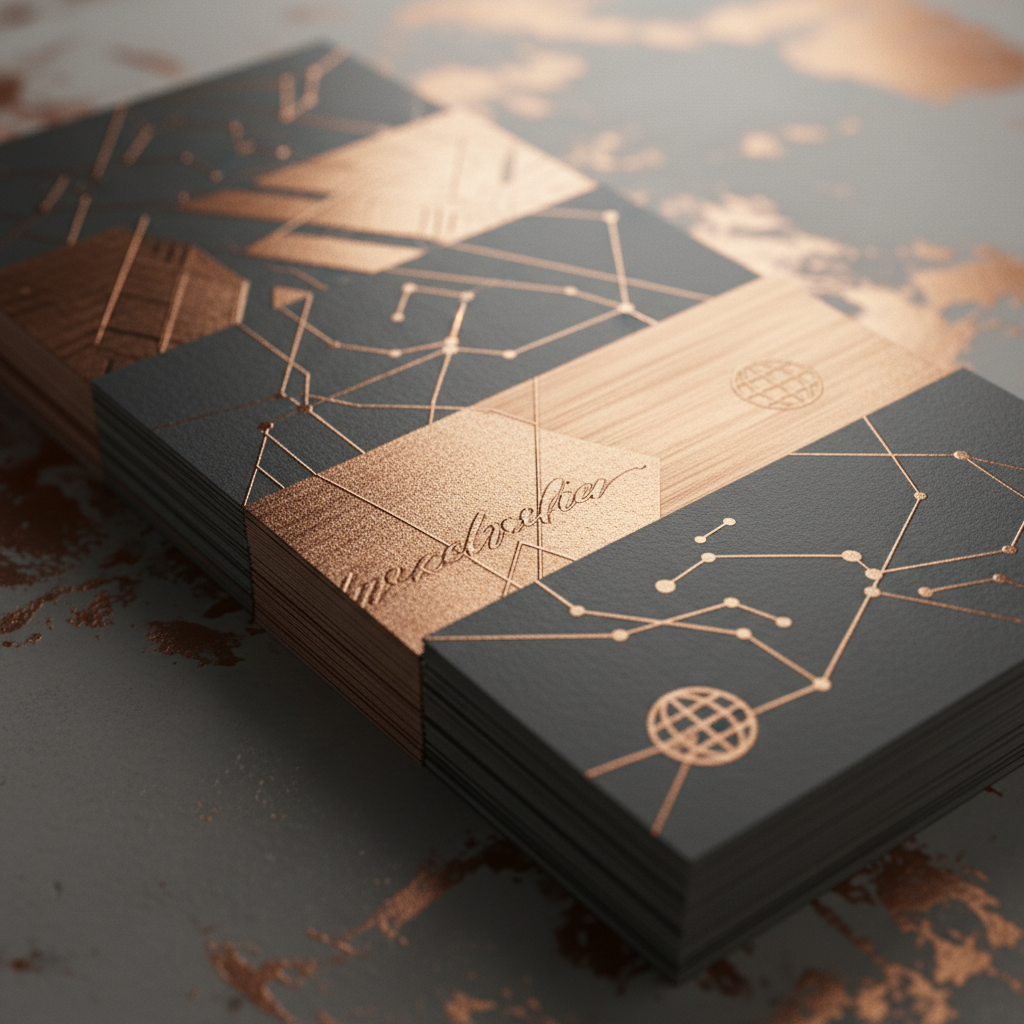
First Impressions That Last
Your business card is often the first tangible impression someone has of your brand. AI-powered design ensures it's a strong one - professional, memorable, and uniquely yours.
Why AI Business Card Design?
Speed
Generate dozens of professional concepts in minutes instead of hours of manual design.
Quality
AI understands design principles - balance, hierarchy, typography, and whitespace - producing results that rival professional designers.
Cost
No designer fees. No subscription to expensive design software. Generate unlimited variations.
Originality
Every design is unique. No generic templates shared by thousands of other businesses.
The Design Process
Step 1: Define Your Brand
Tell AI about your business:
- Industry and role
- Brand colors and fonts
- Style preference (modern, classic, creative, minimal)
- Any existing logo or brand marks
Step 2: Generate Concepts
AI creates multiple design directions:
- Front and back layouts
- Typography variations
- Color scheme options
- Element placement alternatives
Step 3: Customize
Refine your chosen design:
- Edit all text fields
- Adjust colors and fonts
- Reposition elements
- Add or remove design elements
Step 4: Export
Download in print-ready formats:
- PDF with bleed marks
- PNG for digital use
- SVG for scalable printing
Card Styles
Minimalist
Clean, modern designs with generous whitespace and elegant typography. Perfect for consultants, designers, and tech professionals.
Bold & Creative
Vibrant colors, unique layouts, and eye-catching graphics. Ideal for artists, marketers, and entrepreneurs.
Classic & Elegant
Timeless designs with serif fonts, subtle textures, and refined details. Suited for lawyers, executives, and luxury brands.
Playful & Fun
Illustrated elements, handwritten fonts, and colorful palettes. Great for freelancers, creatives, and startups.
Tech & Digital
Futuristic designs with gradients, geometric patterns, and QR code integration. Perfect for tech companies and digital professionals.
Essential Business Card Elements
Must-Have
- Full name and title
- Company name and logo
- Phone number
- Email address
- Website URL
Nice-to-Have
- QR code linking to portfolio or LinkedIn
- Social media handles
- Physical address
- Tagline or value proposition
Design Best Practices
Typography
- Name: 9-12pt bold
- Title: 8-10pt regular
- Contact info: 7-9pt
- Maximum 2 font families
Color
- Limit to 2-3 colors
- Ensure contrast for readability
- Consider how colors print vs screen
Layout
- Maintain visual hierarchy
- Leave breathing room around edges
- Align elements consistently
- Keep important info above the fold on front
Print Specifications
- Standard size: 3.5 x 2 inches (89 x 51mm)
- Resolution: 300 DPI minimum
- Color mode: CMYK for print
- Bleed area: 3mm on all sides
- Safe zone: Keep text 5mm from edges
Advanced Features
QR Code Integration
Generate and embed QR codes that link to your website, portfolio, vCard, or LinkedIn profile.
Double-Sided Design
AI generates coordinated front and back designs that work as a cohesive unit.
Series Variations
Create matched cards for your entire team with consistent branding but individual customization.
Create Your Business Cards
Open Quby's Image Editor, describe your ideal business card design, and generate professional-quality cards ready for printing. Use Gemini for photorealistic mockups or Recraft for clean vector designs.
Ready to Create with AI?
Put these techniques into practice with Quby's professional AI creative tools.
Launch Creative Suite