2026 AI Image Editor Showdown: Optimizing Your Creative Workflow with Quby and Top Models
2026 AI image editing offers unprecedented control and
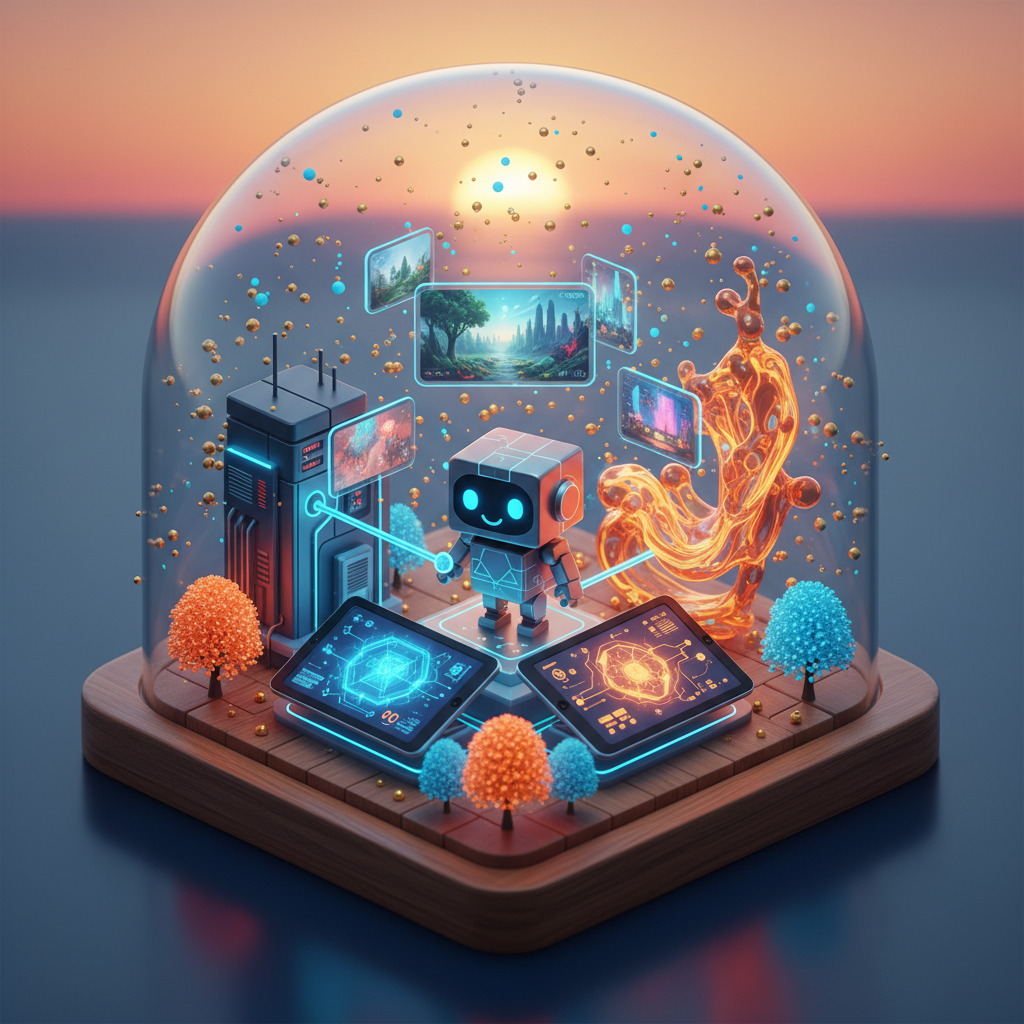
The 2026 AI Image Editing Revolution: Beyond Basic Edits
Remember way back in 2023, when AI image generation felt like magic? We typed a few words, and poof, an image appeared. Fast forward to 2026, and that "magic" now feels like the equivalent of a flip phone. The landscape of visual creation has changed so much, it's almost unrecognizable. We're not just generating images; we're sculpting, refining, and iterating with unprecedented control and speed.
This isn't about simple prompts anymore. We're talking about intelligent assistants that understand context, style, and intent across an entire creative project. For any designer, content creator, or marketing professional, staying on top of these advancements isn't just a nice-to-have, it's absolutely essential. The right ai creative workflow can make or break your productivity and the quality of your output. So, what does the 2026 ai image editing scene look like, and how do you navigate it to get your best work done? Let's dive in.
The sheer power of today's AI models means you can take a rough sketch and turn it into a photorealistic render, or completely re-imagine a brand's visual identity in hours instead of weeks. But here's the catch: the ecosystem is fragmented. Different models excel at different things, and managing them all can quickly become a tangled mess. That's where a smart central platform makes all the difference.
Quby's Image Editor: Your Command Center for AI Creativity
In this wild, wonderful world of specialized AI, you need a navigator. You need a place where all those powerful but disparate tools can come together and play nice. This is exactly what the quby image editor does. Think of it as your personal creative hub, a unified interface where you can harness the strengths of various leading AI image models without jumping between a dozen different browser tabs and subscriptions.
Why is this important? Because your ai creative workflow shouldn't feel like a scavenger hunt. Imagine being able to generate a base image with FLUX 1.1, then send it directly to GPT-5 DALL-E for style variations, and finally tweak details or upscale with Grok Imagine, all within one intuitive environment. That's what Quby offers. It's built for ai for designers and ai for content creators who demand efficiency and top-tier results. You get more control, fewer distractions, and a clear path from concept to completion. And let's be honest, who doesn't want that? Check out how it works at quby.app.
Head-to-Head: 2026 AI Models for Key Image Editing Challenges
Alright, let's get down to the nitty-gritty. Which AI models are dominating the 2026 scene, and what are their specific superpowers? Knowing this is key to building an effective ai creative workflow. This ai tools comparison will help you understand where each model truly shines.
1. Hyper-Realistic Imagery and Fine Detail:
- FLUX 1.1: This model is a beast when it comes to photorealism and intricate detail. If you're creating product mockups, architectural visualizations, or anything that needs to look indistinguishable from a real photograph, FLUX 1.1 is often your first stop. Its understanding of light, texture, and physical properties is truly remarkable in 2026. You'll find it excels at generating everything from water droplets to complex metallic surfaces with uncanny accuracy.
- Grok Imagine: Another strong contender for realism, Grok Imagine often provides a slightly different aesthetic, sometimes with a more "cinematic" feel. It's excellent for generating landscapes, portraits, and scenes that require a deep sense of atmosphere. Where FLUX 1.1 might be surgically precise, Grok Imagine can bring a touch more artistic interpretation while maintaining incredible detail. It's great for commercial photography replacements or complex scene generation.
2. Artistic Stylization and Conceptual Generation:
- Ideogram 3.0: When you need stunning typography within your images, Ideogram 3.0 is still the reigning champion. It handles text with an elegance and precision that other models often struggle with. For posters, album art, social media graphics, or anything where integrated text is crucial, Ideogram 3.0 is your go-to. It understands font styles and how they interact with visual elements like no other.
- GPT-5 DALL-E: This model continues to be a powerhouse for conceptual art and creative freedom. While it might not always hit the photorealism of FLUX 1.1, its ability to interpret abstract prompts, combine unusual concepts, and generate diverse artistic styles is unparalleled. Think of it for creating unique brand mascots, fantastical illustrations, or pushing the boundaries of visual storytelling. It's incredibly versatile for ideation.
- Gemini 2.5: Often prized for its speed and versatility across different modalities, Gemini 2.5 can also generate compelling images. While not always as specialized as FLUX 1.1 for pure realism or Ideogram 3.0 for text, it offers a fantastic balance of speed, quality, and adaptability. If you need a quick concept iteration, or to generate a wide range of stylistic options rapidly, Gemini 2.5 is a solid choice. It's a great workhorse for a diverse array of tasks.
3. Beyond the Static Image: Integrating Other AI Modalities:
It's not just about images anymore, is it? We live in a multimedia world. And the best ai image tools today understand how to connect with other AI models.
- Video: Imagine generating a hero image for a campaign, and then instantly creating a short, animated version of it using Sora 2.0, Veo 3.1, or Runway 4.5. These video models are phenomenal. Sora 2.0, for instance, produces incredibly coherent and complex scenes from minimal prompts. Veo 3.1 is Google's answer, and it brings fantastic visual fidelity, while Runway 4.5 offers more granular control for creators looking to fine-tune their shots. Minimax Video-02 and Kling 3 also offer distinct advantages, often in speed or unique stylistic output, making your
ai for content creatorsefforts much more dynamic. - 3D: What if you need a 3D asset from your 2D image? Meshy v4, Trellis, and Rodin Gen-2 are making strides here, converting images into editable 3D models with increasing accuracy. Tripo3D v3 is another strong player, giving designers new avenues for product visualization and virtual environments. This
2026 ai image editingcapability bridges the gap between static and interactive content. - Voice: Need to add a voiceover to that animated image? ElevenLabs v3, Bark 2.0, and OpenAI TTS-HD can generate incredibly natural-sounding speech from text, even mimicking specific emotional tones. This is a game-changer for multimedia content.
Understanding these specialized strengths is crucial. No single model does everything perfectly, and that's precisely why a platform like Quby is so valuable. It lets you cherry-pick the best tool for each specific job, rather than forcing you to compromise with a single, general-purpose solution.
Crafting Your Optimized 2026 AI Creative Workflow with Quby
So, you've got this amazing toolbox of AI models. How do you actually put them to work in a way that truly boosts your ai creative workflow? This is where strategic thinking comes in, and Quby becomes indispensable.
1. Smart Ideation and Concepting: Start with a broad concept. Perhaps you need a series of images for a new marketing campaign. Instead of trying to nail the perfect image right away, use a model like Gemini 2.5 or GPT-5 DALL-E within Quby to generate a wide array of initial concepts. This rapid prototyping helps you explore different directions quickly without getting bogged down in details. You can create mood boards, visualize different styles, and get feedback before committing to a specific path.
2. Precision Generation and Refinement:
Once you have a concept you like, switch to the specialized models. For photorealistic product shots, send your concepts to FLUX 1.1. If it's more illustrative or stylized, Ideogram 3.0 or even GPT-5 DALL-E might be better. The quby image editor lets you seamlessly pass your generated images from one model to another. You can refine a subject, change a background, or even "paint" in new elements using specific AI features, all while keeping your project organized.
3. Iteration and Version Control:
This is where many ai for designers workflows fall apart. Without a central system, managing countless iterations and prompt variations can become a nightmare. Quby keeps a history of your generations, allowing you to easily revisit previous versions, compare results, and track your creative journey. This is a lifesaver when clients ask for "just a small tweak," or when you want to experiment without losing your progress.
4. Batch Processing and Scalability:
Imagine needing to generate 50 unique social media banners, each with slightly different text overlays and background elements. Doing this manually with individual AI tools would be a monumental task. Quby's ability to handle batch operations and apply consistent styles or prompts across multiple generations drastically speeds up production. This is a huge win for ai for content creators who churn out high volumes of visuals. It allows you to maintain brand consistency without hours of manual labor.
5. Cross-Modal Integration for Richer Content:
Your images don't exist in a vacuum. A great ai creative workflow in 2026 means thinking beyond the static. Within Quby, consider how you can take that perfect image generated by Grok Imagine and use it as the base for a short video animation with Sora 2.0. Or maybe that 3D render from Tripo3D v3, initially based on your design, needs a voiceover generated by ElevenLabs v3. By having all these capabilities accessible, Quby helps you produce richer, more engaging content for any platform. This integrated approach is a defining characteristic of the best ai image tools in 2026.
The Future is Collaborative: Quby at the Forefront of 2026 AI Image Editing
The world of ai image editor review articles in 2026 consistently highlights one thing: collaboration is key. Creative work is rarely a solo endeavor. As AI becomes more sophisticated, the need for platforms that allow teams to work together, share assets, and provide feedback in real-time grows exponentially.
Quby is designed with this collaborative future in mind. It's not just a tool for an individual; it's a workspace for teams. Imagine a design team brainstorming a new ad campaign. They can all contribute prompts, generate images, and iterate together within Quby, making the creative process more democratic and efficient. This shared environment means everyone's on the same page, and ideas can evolve quickly without endless email chains or file transfers.
The pace of AI development isn't slowing down. New models will emerge, existing ones will get smarter, and the possibilities for ai creative workflow will only expand. Having a platform like Quby that aggregates these advancements, making them accessible and manageable, is more than just convenient. It's a strategic advantage for anyone serious about visual creation. It ensures you're always tapping into the best ai image tools available, without the headaches of constant adaptation.
Ready to take your 2026 ai image editing to the next level? Spend less time wrangling different tools and more time creating truly impactful visuals. Give the quby image editor a try and see how it can transform your approach to design and content creation.
Ready to Create with AI?
Put these techniques into practice with Quby's professional AI creative tools.
Launch Creative Suite